
Real-Time Pupillometry, Gait & Behavior Tracking
Two ways to track your animals with DeepLabCut: start right away with a model we have already trained, or send us your videos and we train one for your setup.
Ready-Made Models No videos needed
Already trained on mice. Available as add-ons of the Behavioral Camera, with real-time tracking and live analog output included.
- Pupillometry: tracks the pupil contour, for pupil diameter and X, Y position
- Gait, side view: 5 points, two per paw on one side and the tail base. Freely moving on our rodent treadmill, or head-fixed on our Janelia-design belt treadmill
- Gait, side and bottom view: up to 12 points on all four paws and the tail, on our running wheel with mirror
Custom Models Send us your videos
For anything else, or for your own setup and camera, we label your videos and train a model for you.
- Single paw (XY)
- Tail (5 points)
- Body (1 or 10 points)
- Whisking and grooming
- Other body parts or behaviors, on request
Custom Models: What You Get
Choose one or more deliverables.
Trained Model
A tested DeepLabCut model with its config files, ready to run on your videos in our free Behavioral Camera software (playback, or in real time with our camera) or in DeepLabCut.
CSV Coordinates
XY position and likelihood of each tracked point for every frame, from an existing or newly trained model.
Labeled Videos
Your recordings with color-coded tracked points, to check tracking quality at a glance.
Every project includes documentation of the model and outputs, so you can reproduce the analysis or continue it in your own DeepLabCut workflow.
How Custom Models Work
Describe Your Project
Tell us what to track, the deliverables you need and how many recordings you have, and send a sample video.
We Label and Train
We label training frames, train the model and test it on your recordings. Accuracy depends on the quality and size of the training set.
Receive Your Results
Model files, CSV coordinates and/or labeled videos, with documentation. Optionally set up for real-time tracking on the Behavioral Camera.
Examples
Record and Track in Real Time
Our Behavioral Camera films up to 1000 fps under 850 nm infrared light. Load the model we train for you into its free software to display and save tracked positions live, up to 100 fps, with a synchronized labeled video.
For the pupil and for gait, no training is needed: the camera's pupillometry and gait tracking add-ons work out of the box, and can send each measure live as an analog signal.
See the Behavioral Camera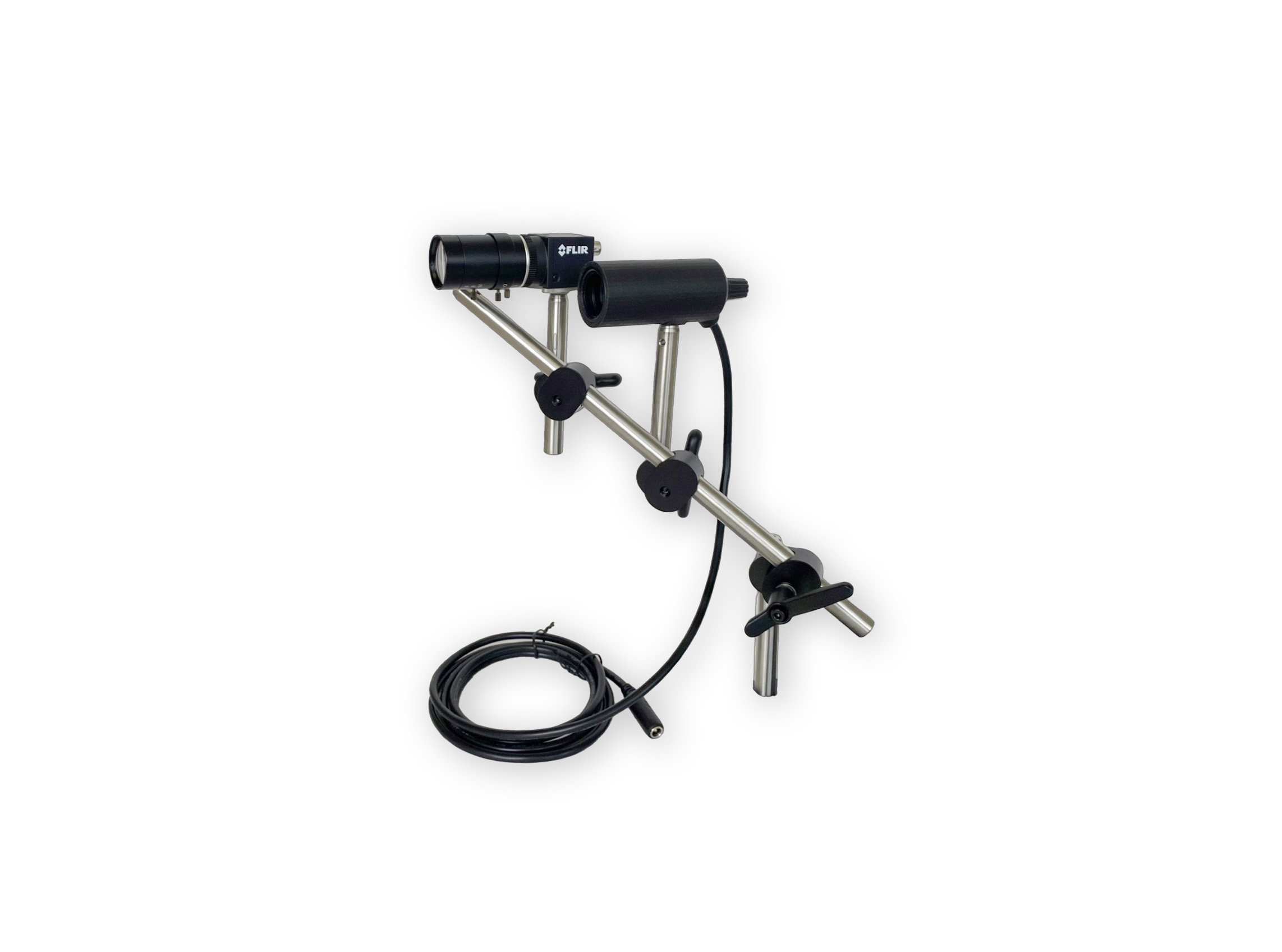
Frequently Asked Questions
Do I need to use the LabeoTech Behavioral Camera?
No. We work with videos from any camera, and you can run the model on your recordings with our free software in playback mode. Recording with our Behavioral Camera adds real-time tracking during the experiment.
Can I reuse the trained model?
Yes. The easiest way is our free Behavioral Camera software, even without our camera: open your recorded videos in playback mode, and it saves a labeled video and a CSV file of the tracked points for each one. With our camera, the same model also runs in real time. You also receive the model files and config to use in DeepLabCut directly.
What if I need to track something not on the list?
Describe it in your request. We also develop custom analysis algorithms; contact us for details.
How accurate is the tracking?
It depends on video quality and on the size of the training set. Consistent lighting and framing, and enough labeled frames per recording, give the most reliable results.
How do I send my videos?
Send a sample video, or a link to it, with your request. We will confirm the parameters and arrange the transfer of the full dataset.
Request a Tracking Project
Tell us what you want to track, on which setup, how many recordings you have and which deliverables you need (trained model, CSV coordinates, labeled videos). For a custom model, include a sample video or a link to one.