
Virtual Reality for Head-Fixed Mice
LabeoTech's virtual reality systems present controlled visual environments to head-fixed mice for studies of spatial navigation, decision-making and sensory integration. They take less bench space than physical mazes and need less handling between trials.
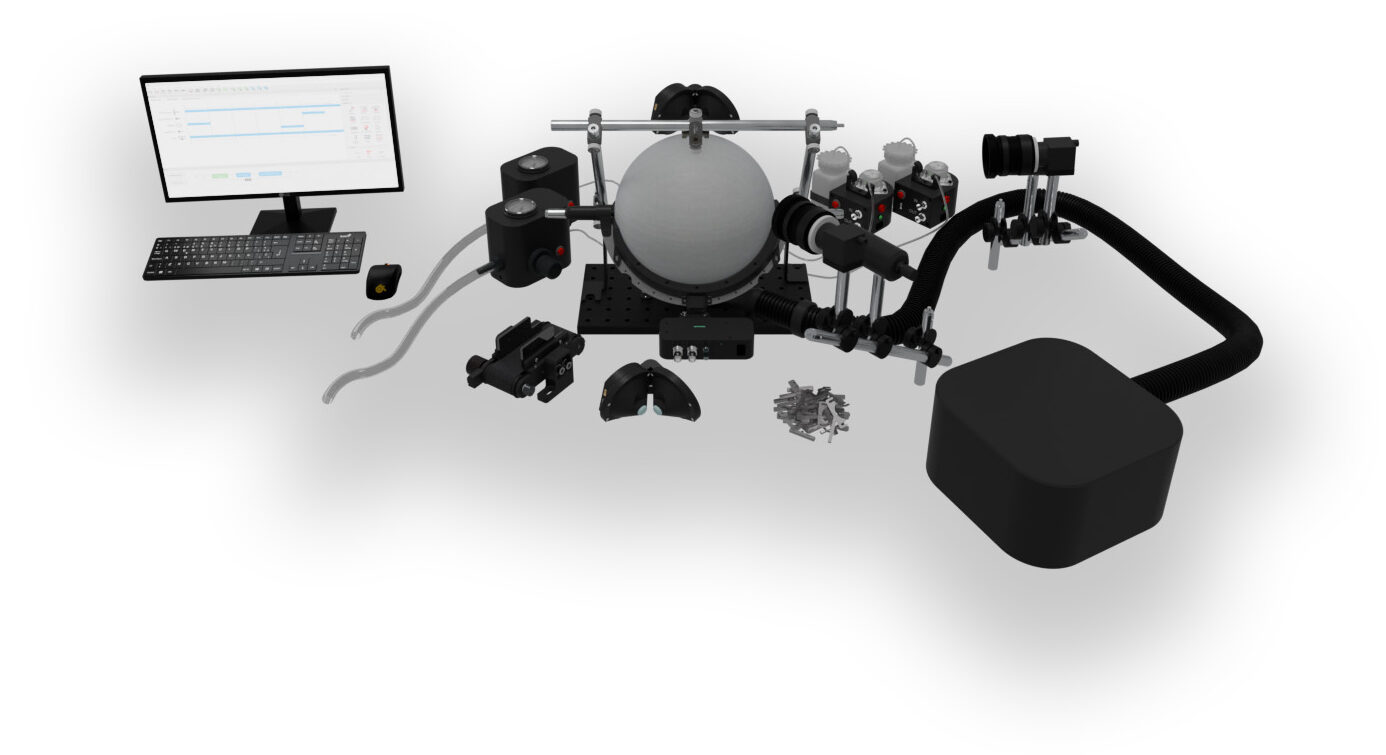
Why Virtual Reality for Head-Fixed Mice
Less Space
A VR rig takes far less space than a physical arena or maze, which suits compact or shared setups.
Less Handling, Less Stress
Trials run and restart without moving the animal, so there is no handling between trials and less stress for the mouse.
Awake, Unanesthetized Imaging
The VR setup works with our imaging systems, with 2-photon imaging systems and with third-party electrophysiology equipment, so recordings can be made in awake animals without anesthesia.
System Components
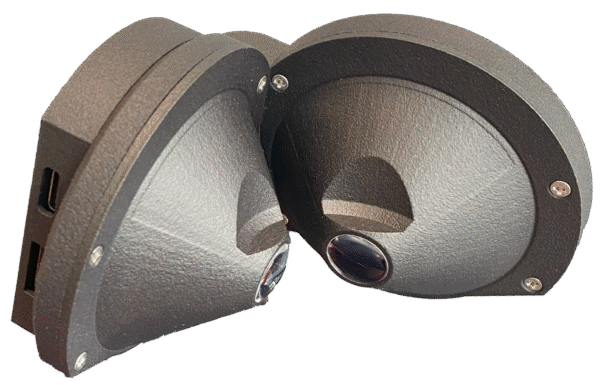
VR Headset
A compact headset designed for mice, with one display per eye and binocular overlap for 3D perception. A dual-display alternative is also available.
Learn more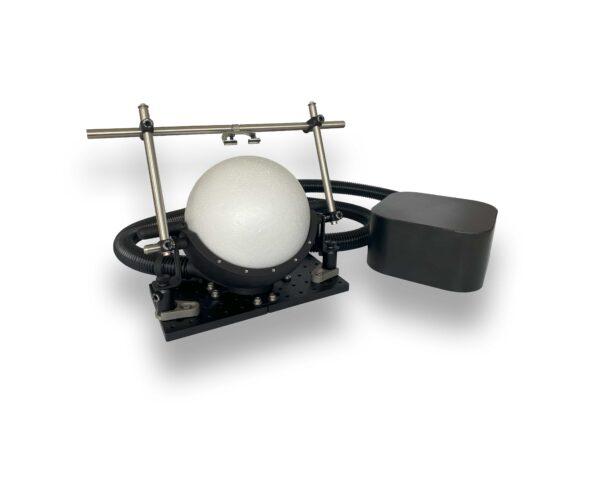
Spherical Treadmill
Converts the mouse's running into movement in the virtual environment, with brakes to restrict movement to one direction. A linear treadmill can also be used.
Learn more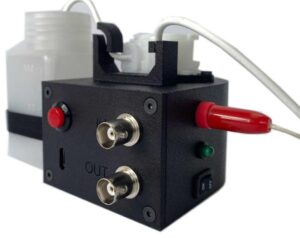
Reinforcement Devices
Reward or aversive stimuli for decision tasks, delivered by the water dispenser or the air puff stimulator.
Water dispenser Air puff stimulatorVRLab Suite Software
Ready-to-run experiments and an environment builder with moving objects and trigger zones. Events control rewards, TTL pulses, tones and behavioral-camera recording, and all data are saved to .csv.
Learn moreExample: Y-Maze on the Spherical Treadmill
A mouse runs a Y-Maze on the spherical treadmill while wearing the VR headset. The visual input is fully controlled and the animal's position is tracked in real time. Each new trial starts automatically at the beginning of the maze, with no one handling the mouse to put it back: trials run faster and the animal is less stressed.
- Suited to decision-making, navigation and learning experiments
- Real-time behavioral tracking alongside sensory control
- Compatible with open- or closed-loop experimental paradigms
- Mouse position and results saved automatically to .csv
To get mice started, our step-by-step habituation and training protocols describe how to condition them to the treadmill and the VR display.
Ready-to-Run VR Experiments
VRLab Suite includes a library of experiments. Each comes with default scenes that can be run as they are or adjusted: trial count, textures, distances, reward conditions and events.
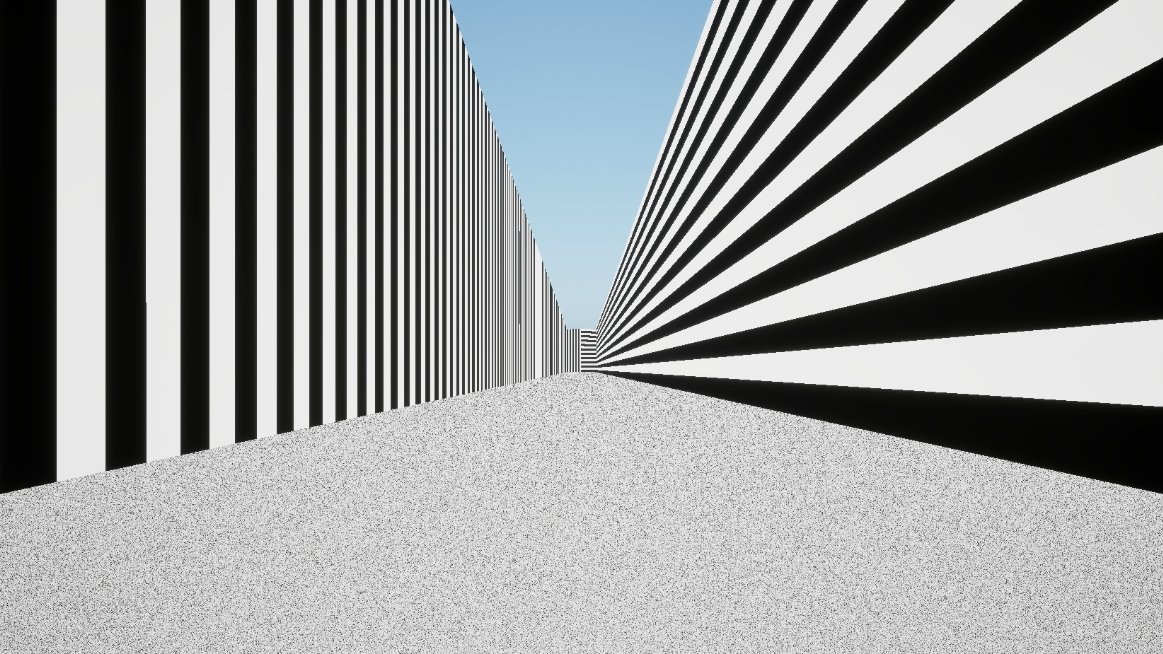
Y-Maze
A two-branch choice task cued by wall patterns, with reward or punishment on each side.
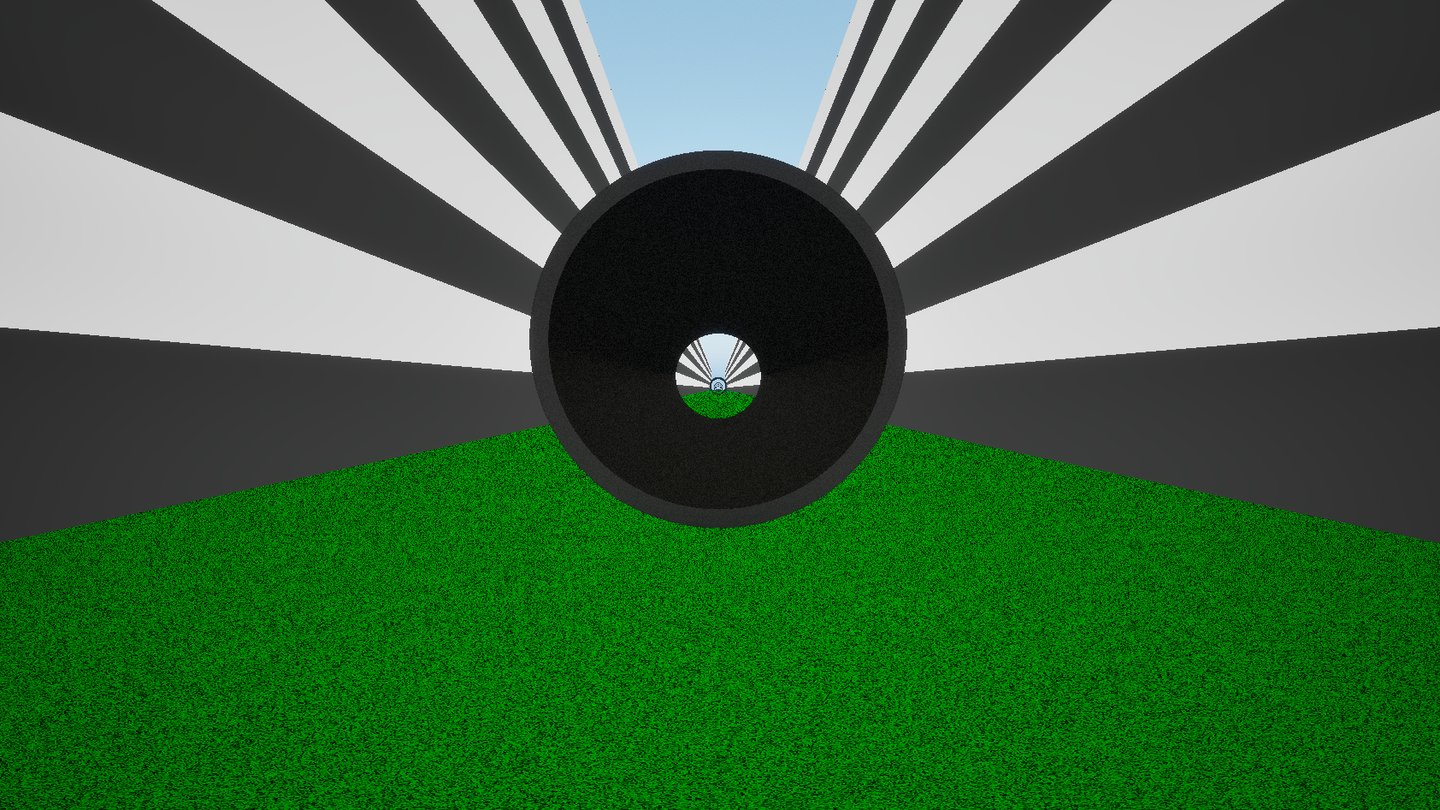
Infinite Corridor
Endlessly repeating corridor sections with trees, rocks or tunnels, for habituation and low-stress imaging.
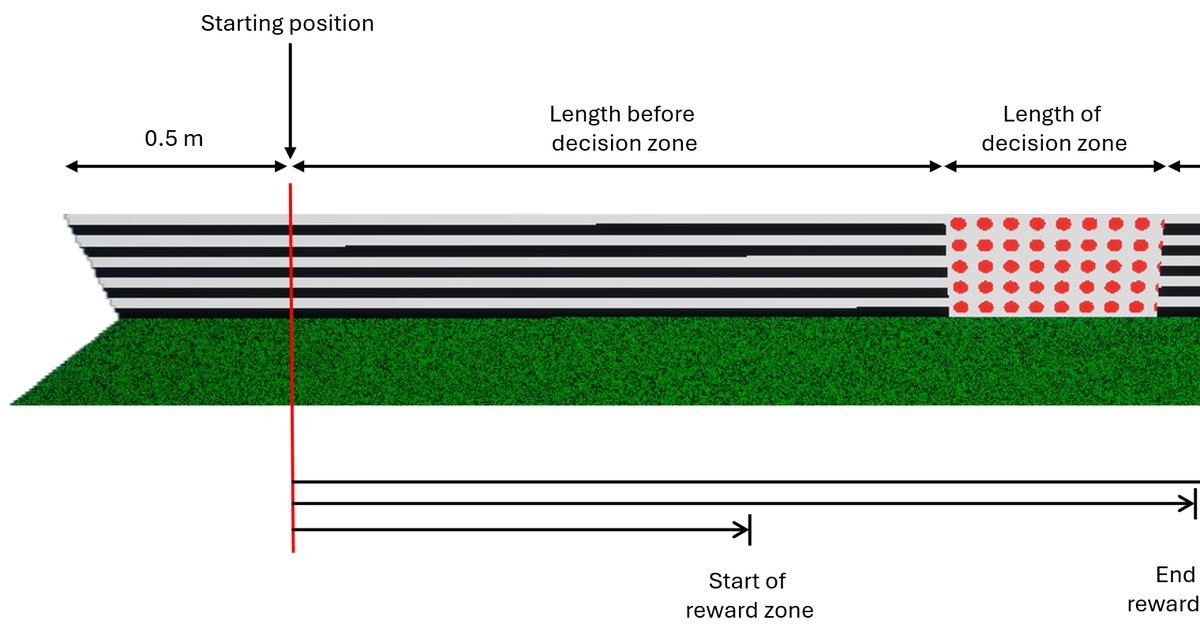
Configurable Corridor
A decision zone plus a reward zone with continuous or lick-triggered water delivery.
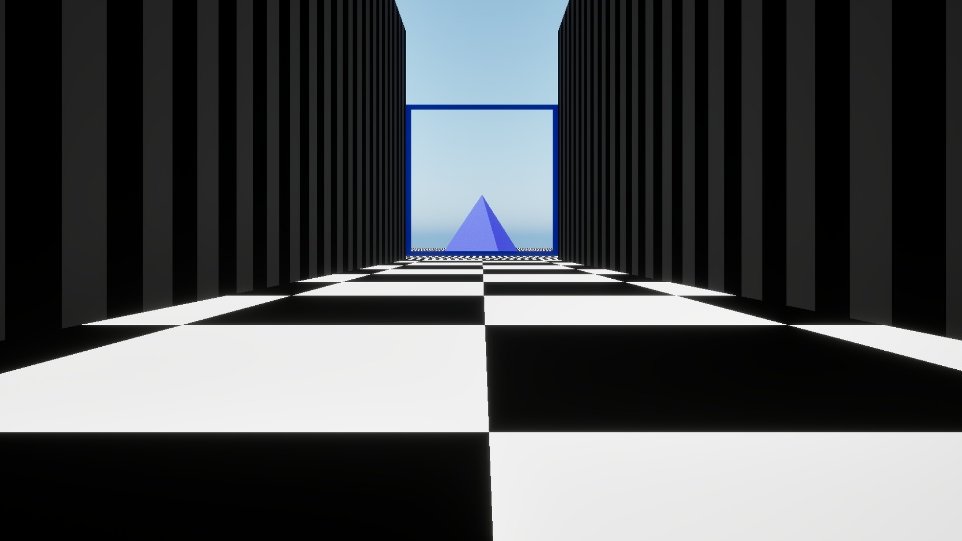
Precipice
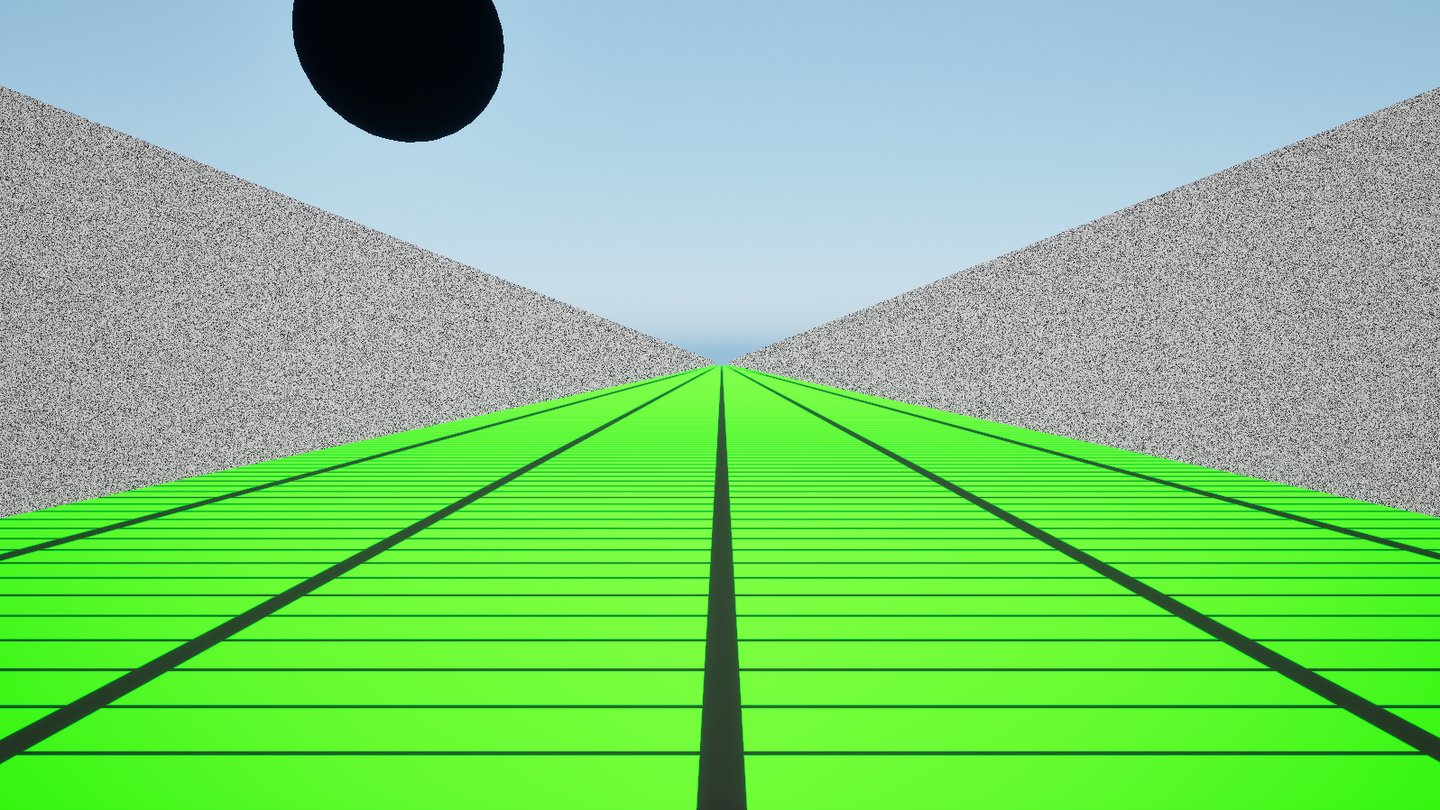
A visual cliff paradigm: a corridor that ends at a drop, with a pyramid depth cue and an adjustable lower floor.
Predator
A looming stimulus: a sphere approaches from a random side after a random pause, simulating a predator.
Retinotopy
A bar sweeps across the visual field at a set angular speed, width and direction, with per-eye stimulation on the headset.
Open Field
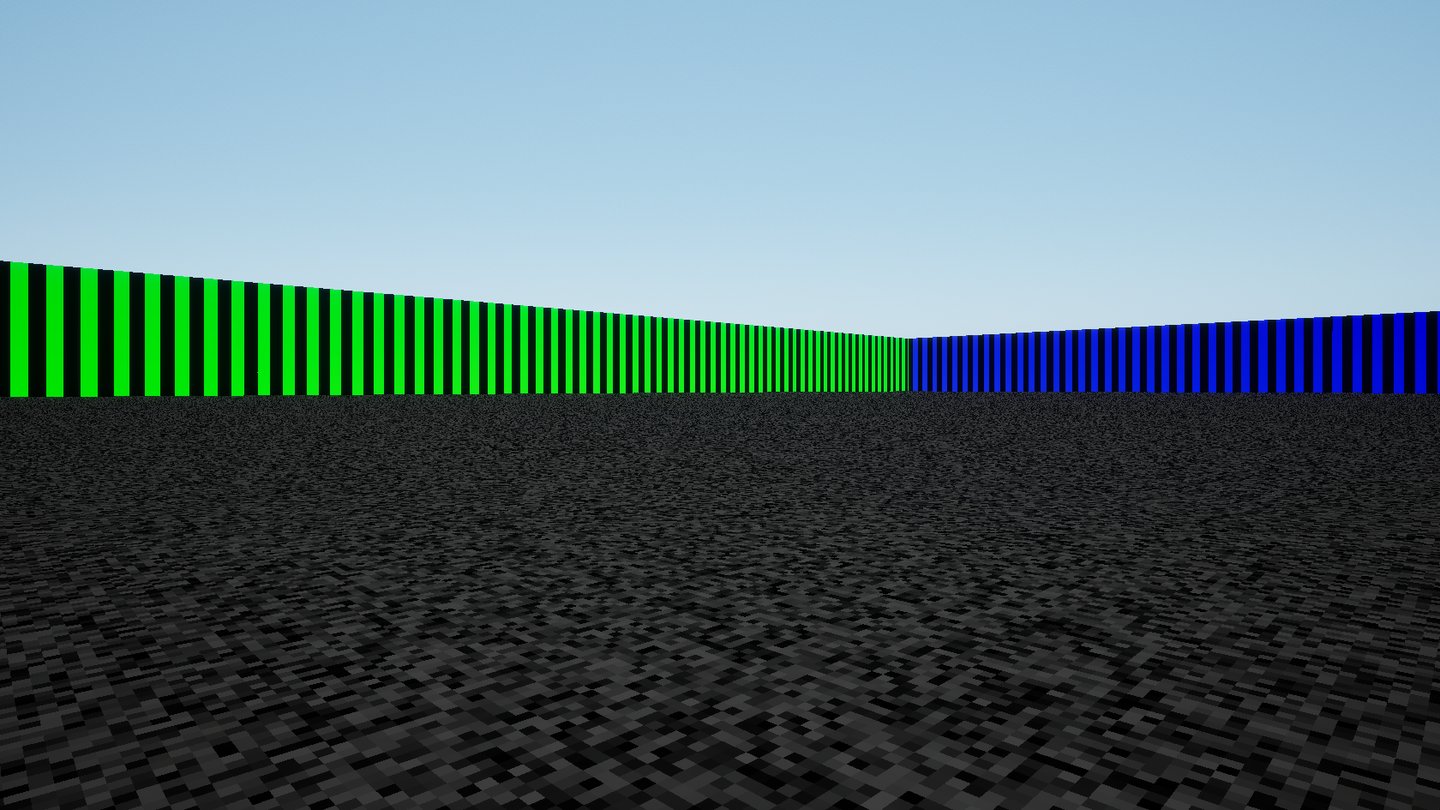
An arena of customizable size with textured walls, objects, moving objects and trigger zones.
Custom Environment
Need a paradigm beyond the library? We design custom environments to your specification.
Tell us about your taskEvents and Synchronization
VRLab Suite experiments are driven by events. Trigger zones, trial boundaries and the animal's choices fire events, and connected devices respond to them.
Moving Objects
Objects move to a new position when an event fires, for example a looming stimulus, a sliding door or an approaching target.
Trigger Zones & Events
Invisible trigger boxes fire events when the animal enters them, with an adjustable delay and intensity.
Synchronized Behavioral Video
Recording on our behavioral camera starts and stops on the events you choose. The camera can also be used for eye tracking and is compatible with 2-photon setups.
Hardware Sync
Any event can drive 8 BNC TTL outputs, audio tones or a photodiode sync patch. Every log carries millisecond timestamps.
Case Study from Our Blog
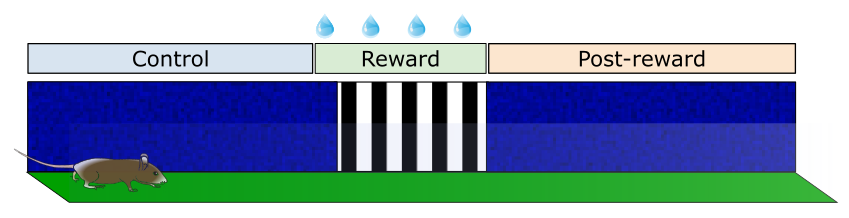
Exploring Learning and Reward Processing with Virtual Reality in Mice
How virtual reality is used in behavioral neuroscience to study learning, behavior and brain function in mice under controlled experimental conditions.
Read More »System Overview
Compatible Technologies
Equipment the VR system can be used with.
Need something else in the loop? Contact us about integrating additional devices.
Research Applications
Closed-Loop Feedback
Study adaptive behavior and learning by linking real-time neural activity to the virtual environment, with VRLab Suite connected to your electrophysiology or imaging system.
Head-Fixed Navigation
Use virtual corridors, mazes, and arenas to investigate spatial cognition and memory formation.
Motor & Sensorimotor Integration
Study how animals use sensory feedback to adjust motor commands.
Awake Imaging
Image awake mice during behavior, without the effects of anesthesia. A visual environment helps reduce the stress of head fixation.
Flexible Experimental Design
Create your own environments with the VR software, compatible with open- or closed-loop paradigms.
Frequently Asked Questions
Can I integrate this VR system with my existing imaging setup?
Yes. The headset is small enough to be compatible with most imaging systems, including 2-photon microscopy and our own widefield, speckle, and intrinsic signal imaging platforms.
Is training or documentation provided?
Yes. We provide video tutorials, a full PDF manual, and remote onboarding sessions upon request. We also recommend following our step-by-step habituation and training protocol, available on our protocols page.
Can I sync the VR setup with my other devices?
Yes. In VRLab Suite, any event (trial start, reward, a trigger zone…) can send a TTL pulse on the 8 BNC module outputs or the spherical treadmill output, play a tone, or flash a photodiode sync patch. The treadmill's TTL input is logged every frame, and all logs carry millisecond timestamps, so VR data line up with our optical imaging systems and third-party electrophysiology equipment.
How does the treadmill communicate with the VR software?
The spherical treadmill connects over USB and communicates directly with VRLab Suite: as the mouse moves, its motion is translated into movement in the virtual environment in real time. Customers can also build their own software with our API, in Unreal Engine, Unity or Godot.
Do I need a dedicated computer to run VRLab Suite?
VRLab Suite is sold with a preconfigured computer, because real-time 3D rendering on several displays needs capable hardware. A software-only option is available; contact us to check that your computer meets the requirements.
Can I create my own virtual environments?
Yes. The Open Field and Infinite Corridor include a no-code builder with object shapes, textures (including your own images), trigger zones and, in the Open Field, event-triggered moving objects. Beyond the built-in experiments, we also design custom environments.
Can I record behavioral video in sync with the VR experiment?
Yes. VRLab Suite starts and stops recording on our behavioral camera on the events you choose, for example at the start and end of the experiment, so every session's video is captured on cue.
What maintenance does the spherical treadmill require?
Very little. The ball can be replaced with any standard 8-inch Styrofoam ball, or bought from us.
Configure a VR Setup
Use the configurator to select a display, treadmill, reinforcement devices and software, or contact us to discuss a custom configuration.