Software to Design and Run VR Experiments for Head-Fixed Mice
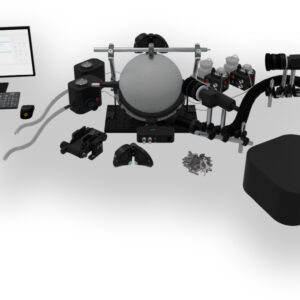
VRLab Suite is virtual reality software for mice. It controls the VR headset or dual displays, the treadmill and the reinforcement devices from one application. It includes ready-to-run experiments and an environment builder with moving objects, trigger zones and event-driven outputs. Every trial is time-stamped so it can be aligned with imaging, electrophysiology and behavioral video.
Ready-to-Run Experiments
Each experiment comes with default scenes that can be run as they are, or adjusted: trial count, textures, distances, reward conditions, events and more.
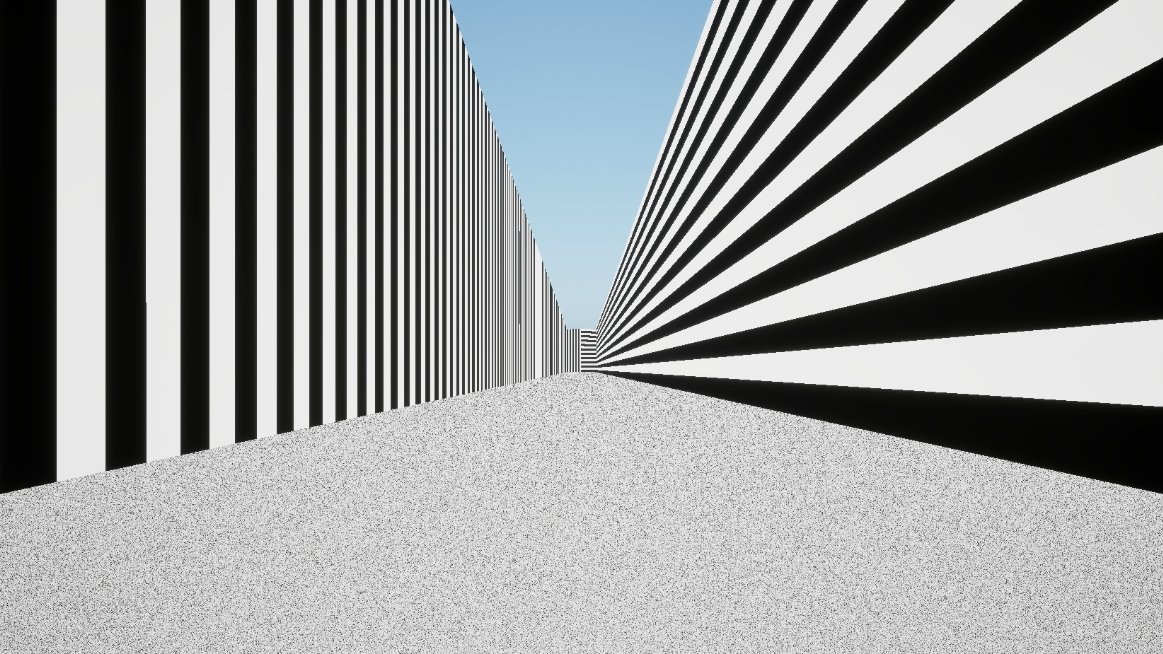
Y-Maze
A 5 m corridor splits into two 2 m branches at 45°, each cued by a wall pattern. Reaching a branch fires the event you choose, usually reward or punishment. 360° rotation is optional.
Infinite Corridor
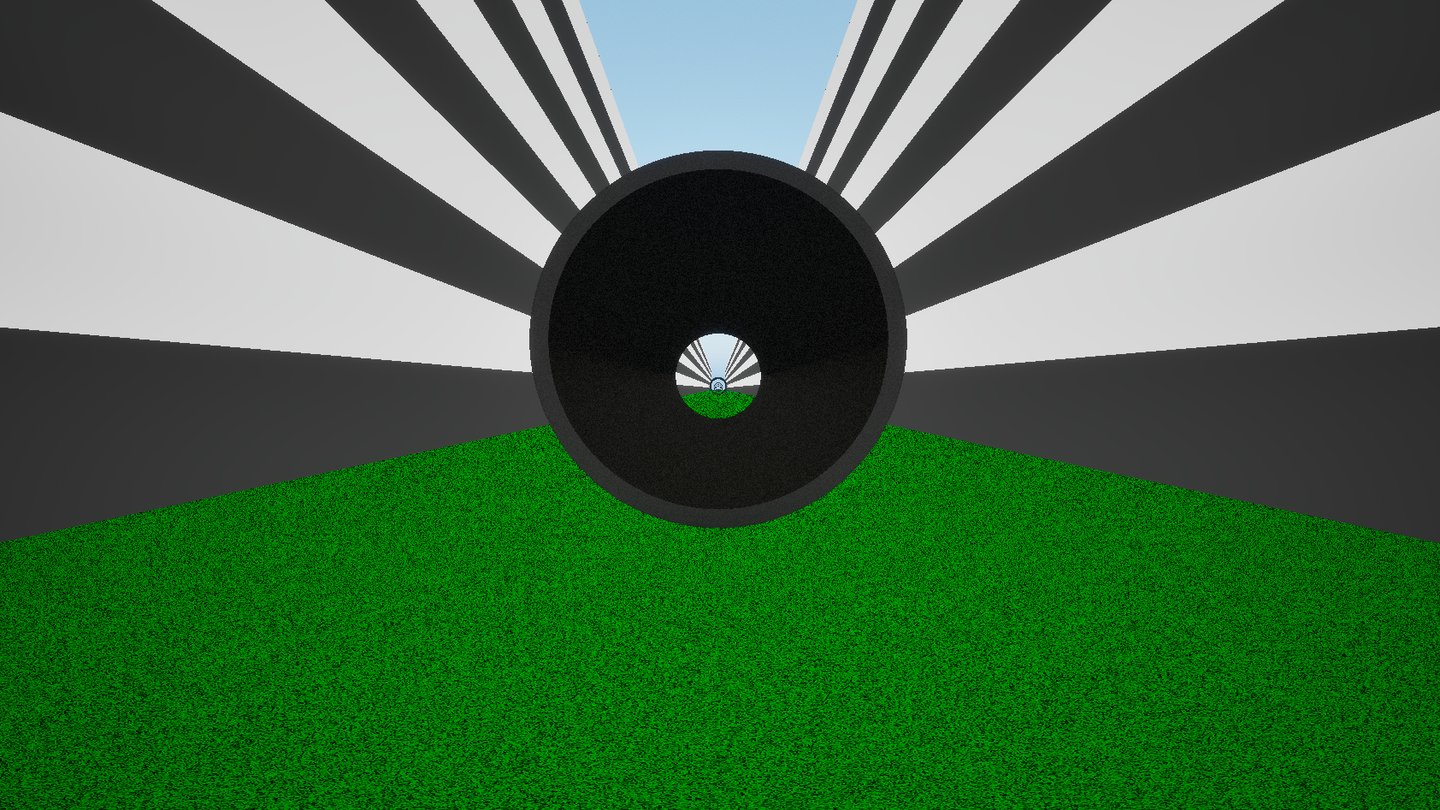
Endlessly repeating corridor sections with trees, bushes, rocks or tunnels. Use it to habituate animals or to reduce stress during imaging, with one-off trigger boxes placed at set distances.
Configurable Corridor
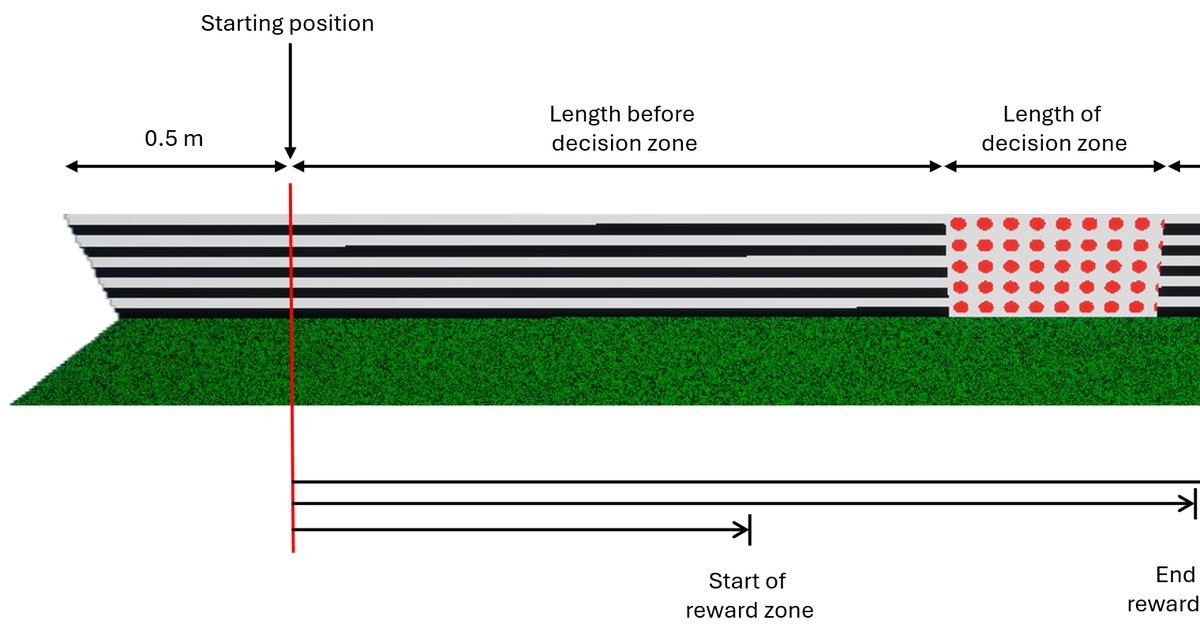
A corridor with a decision zone (wall pattern or floating object) and a reward zone. Reward is delivered continuously or on lick only, with timeout and end-of-trial distance settings.
Precipice
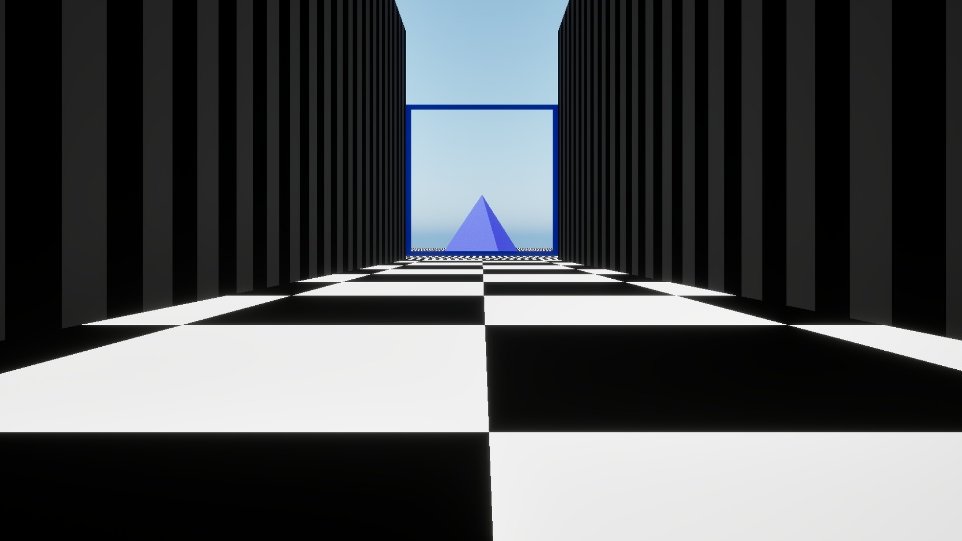
A visual cliff paradigm: a corridor that ends at a drop, with a pyramid as a depth cue and a lower floor at an adjustable distance. Corridor length can be randomized from trial to trial.
Predator
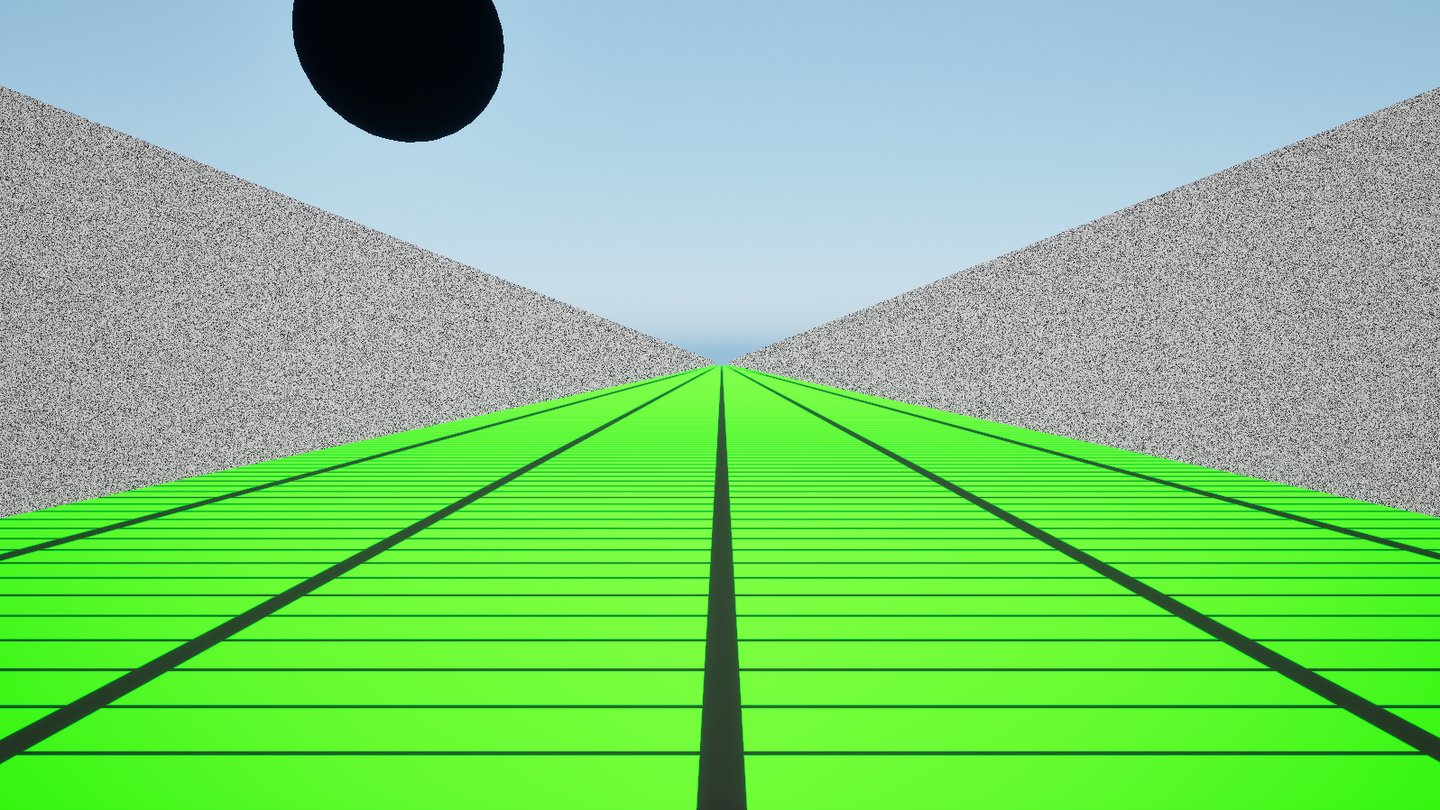
A looming stimulus: a sphere approaches from a random side after a random pause, simulating a predator. You set the pause range, approach duration and color. An event marks each appearance for synchronization.
Retinotopy
A bar sweeps around the animal at a fixed angular velocity. Set the total angle, speed (°/s), width (°), one of four directions and grayscale contrast. On the headset you can stimulate one eye or both.
Open Field
An arena of customizable size with four individually textured walls, objects, moving objects and trigger boxes. Choose the degrees of freedom, from stationary to forward, sideways and limited or full turning.
Custom Environment
Need a paradigm the library doesn't cover? We design custom virtual environments to your specification, priced by complexity. Select the option above or tell us about your task.
Main Features
From habituation sessions to multi-scene decision tasks, the environment, the feedback to the animal and the saved data are all configured in the software, without programming.
Moving Objects
Objects can move to a new position when an event fires, for looming stimuli, sliding doors or approaching targets.
Trigger Zones & Events
Trigger boxes placed anywhere in a scene fire events when the animal enters them, with an adjustable delay and intensity.
Synchronized Behavioral Video
Recording on the LabeoTech behavioral camera starts and stops on the events you choose, so video lines up with each trial.
Hardware Triggers
Any event can be sent to the BNC outputs, the treadmill BNC output, an audio tone or an on-screen sync patch for a photodiode.
Build Your Own World
Choose object shapes, textures (including your own images) and colors, and adjust the spatial frequency and angle of each surface.
Flexible Trial Sequencing
Combine several scenes in one experiment and present them in sequential, block, random or custom order.
Live Control
Adjust parameters during a session while the VR keeps running, steer the animal with the arrow keys, or end a trial from the keyboard.
Analysis-Ready Data
Position, heading, licks and events are saved every frame to CSV, with timestamps to align with other recordings.
Environments That Respond to the Animal
VRLab Suite experiments are driven by events. The software fires them at key moments of each trial, and the trigger boxes you place in a scene fire them when the animal walks in. Devices, sounds, sync pulses and moving objects all respond to the events you link them to.
- Moving objects: any event can move an object, e.g. a looming stimulus or a door that opens when the animal reaches it.
- Per-zone settings: each trigger zone can have its own delay and reward or air-puff intensity.
- Hidden from the animal: trigger boxes and invisible walls are shown in the experimenter view but never on the VR displays.
When…
- The animal enters a trigger boxPlaced anywhere, with its own delay
- A choice or zone is reachedY-Maze branch, reward zone, end of corridor
- A trial or experiment starts or endsGenerated automatically by the software
- A lick is missed in the reward zoneConfigurable Corridor, lick-only reward mode
…an event fires…
Every event is logged with a millisecond timestamp.
…and your rig responds
- An object movesTo a new position, over 0–120 s
- Water reward or air puffWater dispenser · air puff stimulator
- A tone playsConfigurable audio tones
- A TTL pulse is sent8 BNC outputs + treadmill BNC out
- A visual sync patch flashesWhite rectangle for a photodiode
- Video recording starts or stopsLabeoTech behavioral camera
Example: in the Open Field, the mouse enters a trigger box in front of a wall → a custom event fires after 0.5 s → the wall slides aside over 2 s, a tone plays and BNC output 3 sends a TTL pulse to your imaging system. Each step is logged with its own timestamp.
Environment Builder
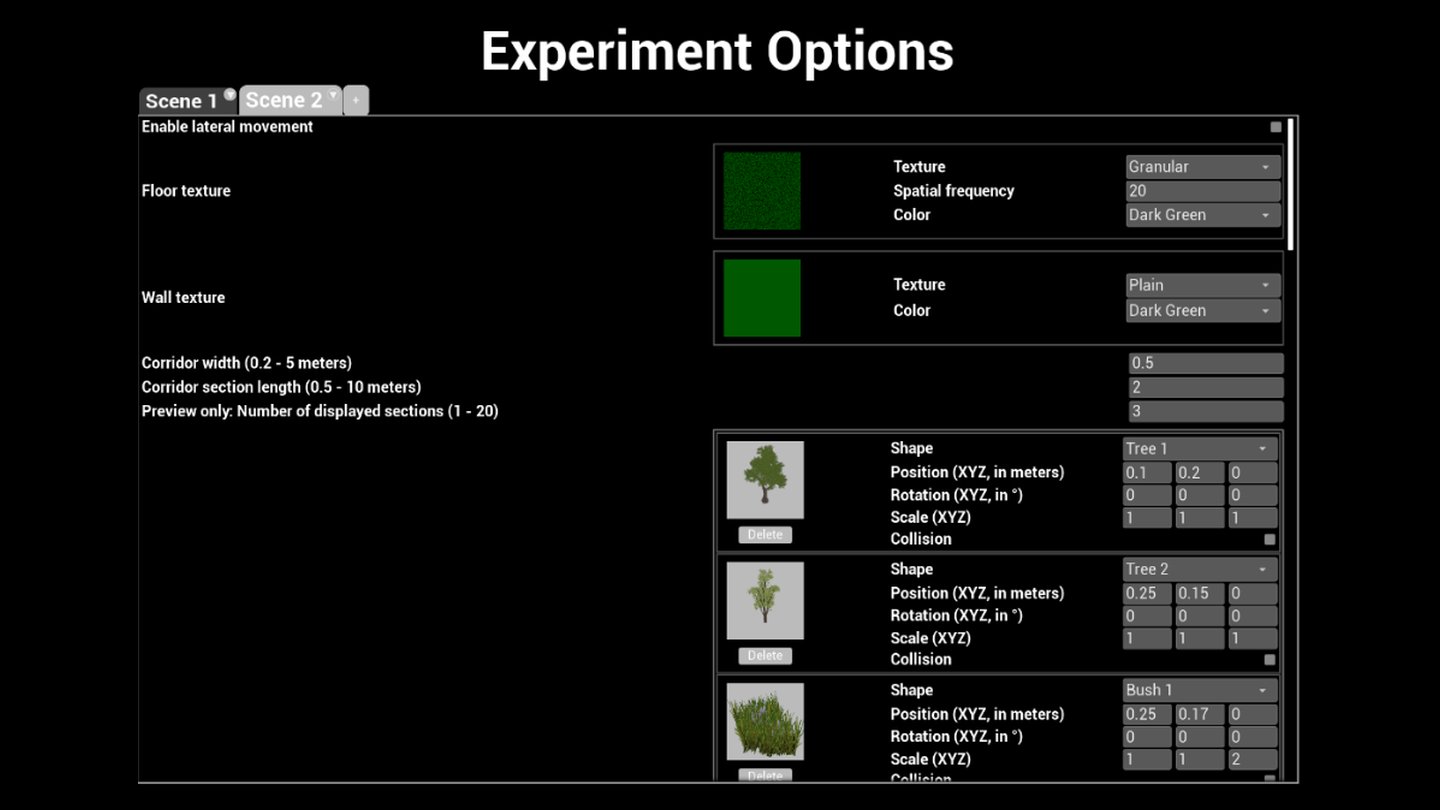
Most experiments let you restyle walls and floors, and the Open Field and Infinite Corridor let you compose whole scenes. Place objects, set their position, rotation and scale in meters and degrees, choose whether the animal collides with them, and check the result in a 3D preview.
Build scenes from basic shapes, walls, tunnels and natural objects (trees, rocks), with gratings, checkerboards, dots or your own images as textures.
- Spatial frequency and texture angle on every surface, with primary and secondary colors.
- Shared scenes: copy scenes to another rig or send them to collaborators.
- Scene descriptions stay with each scene, so protocols stay documented when duplicated or shared.
Behavioral Video Synchronized with the Experiment
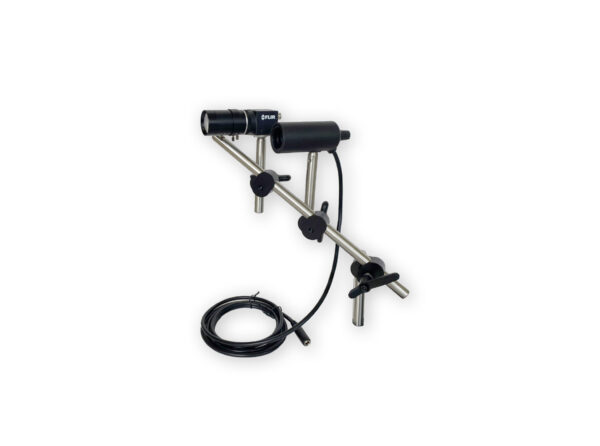
VRLab Suite connects directly to the LabeoTech behavioral camera recording application on the same computer. Pick the event that starts recording and the one that stops it (Experiment Start and Experiment End, for example, or any custom event), and recording starts and stops automatically.
- High-speed infrared video: our behavioral camera records up to 1000 fps with infrared illumination and is compatible with 2-photon setups.
- Eye and body tracking: the video can be used to track the pupil, whiskers, paws or body posture. Our DeepLabCut behavioral tracking analysis service can extract these measurements for you.
- Common timestamps: VR events and the animal's position are time-stamped in milliseconds, so video, VR and neural recordings can be aligned.
- Imaging frames recorded with behavior: TTL pulses from your microscope or acquisition system are logged next to the animal's position on every frame.
Trial Sequencing
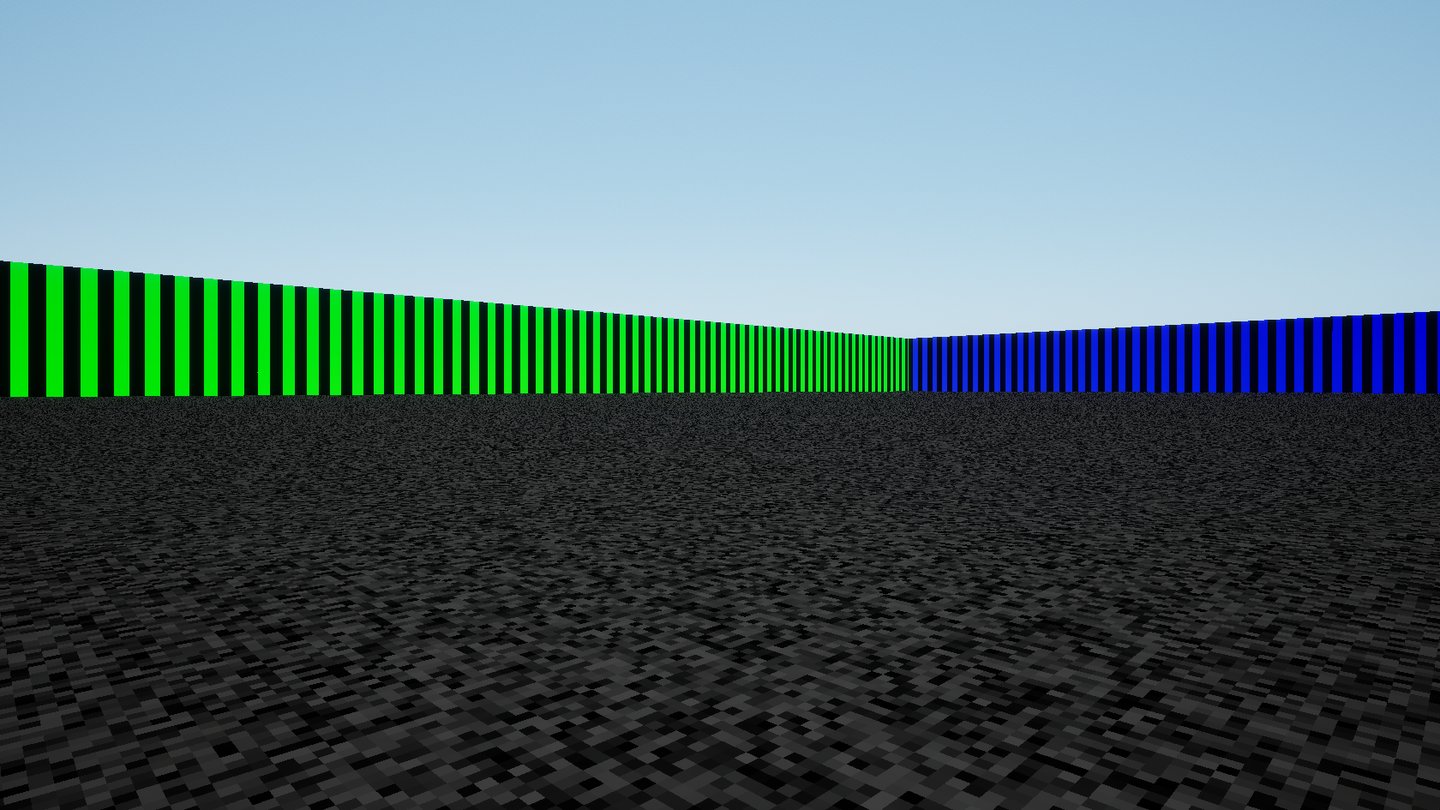
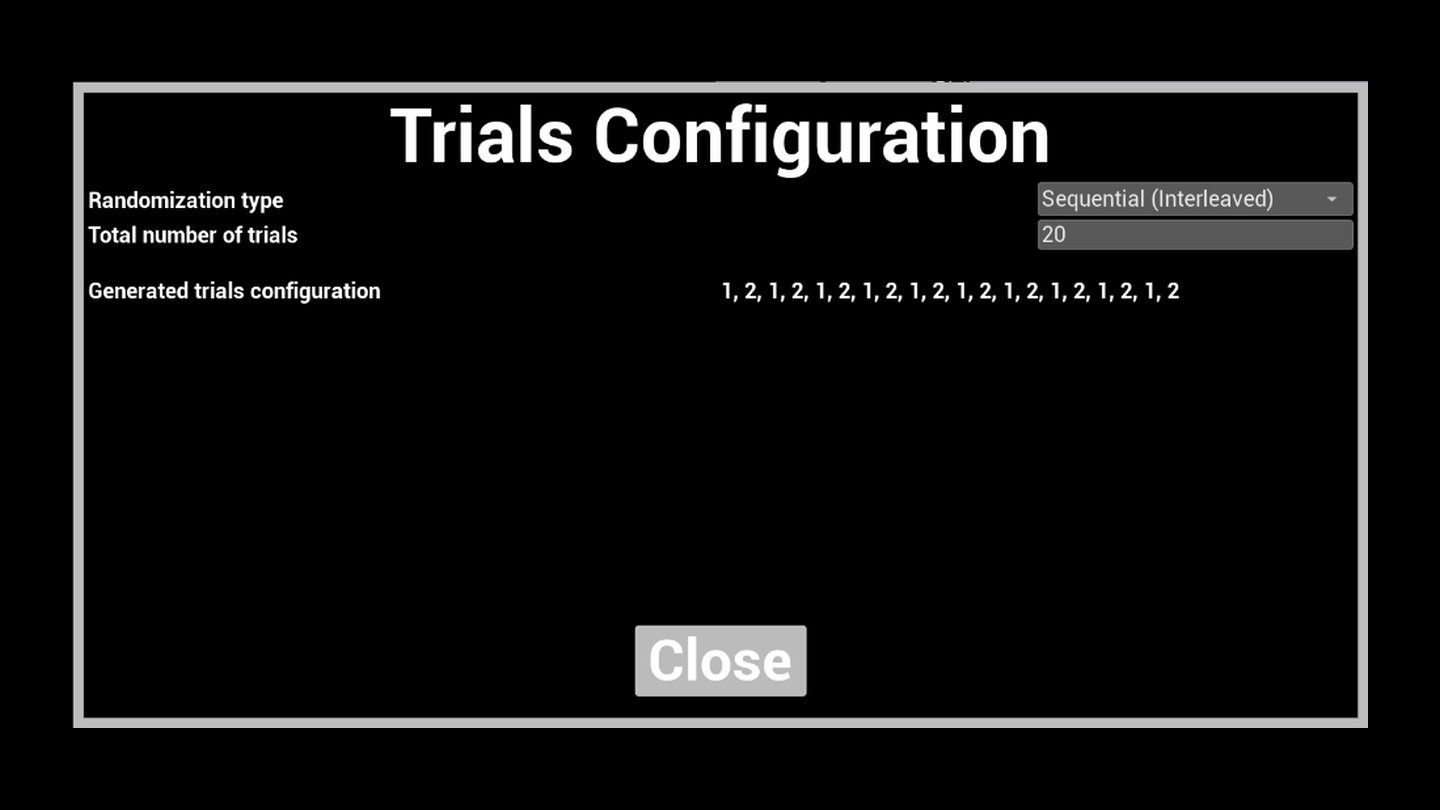
An experiment can hold several scenes, such as a horizontal-stripe and a vertical-stripe version of the same maze. The Trials Configuration builds the session and shows the resulting order before you start.
Saved Data
Text and CSV files that open directly in Python, MATLAB or Excel.
Session details: animal ID, date and time, trial sequence, all scene parameters and device settings, followed by the full event log.
One row per rendered frame while a trial runs (e.g. 60 Hz on a 60 Hz display): position, heading, cumulative licks, treadmill digital input and the events fired in that frame.
For the Y-Maze and Open Field: the outcome of every trial, a running success count, and whether the experimenter ended the trial manually.
Compatible Hardware
LabeoTech devices are detected automatically when powered on. The main menu shows each device's connection status, and each device has its own settings page.
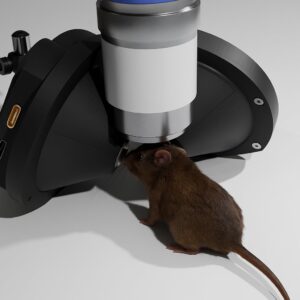
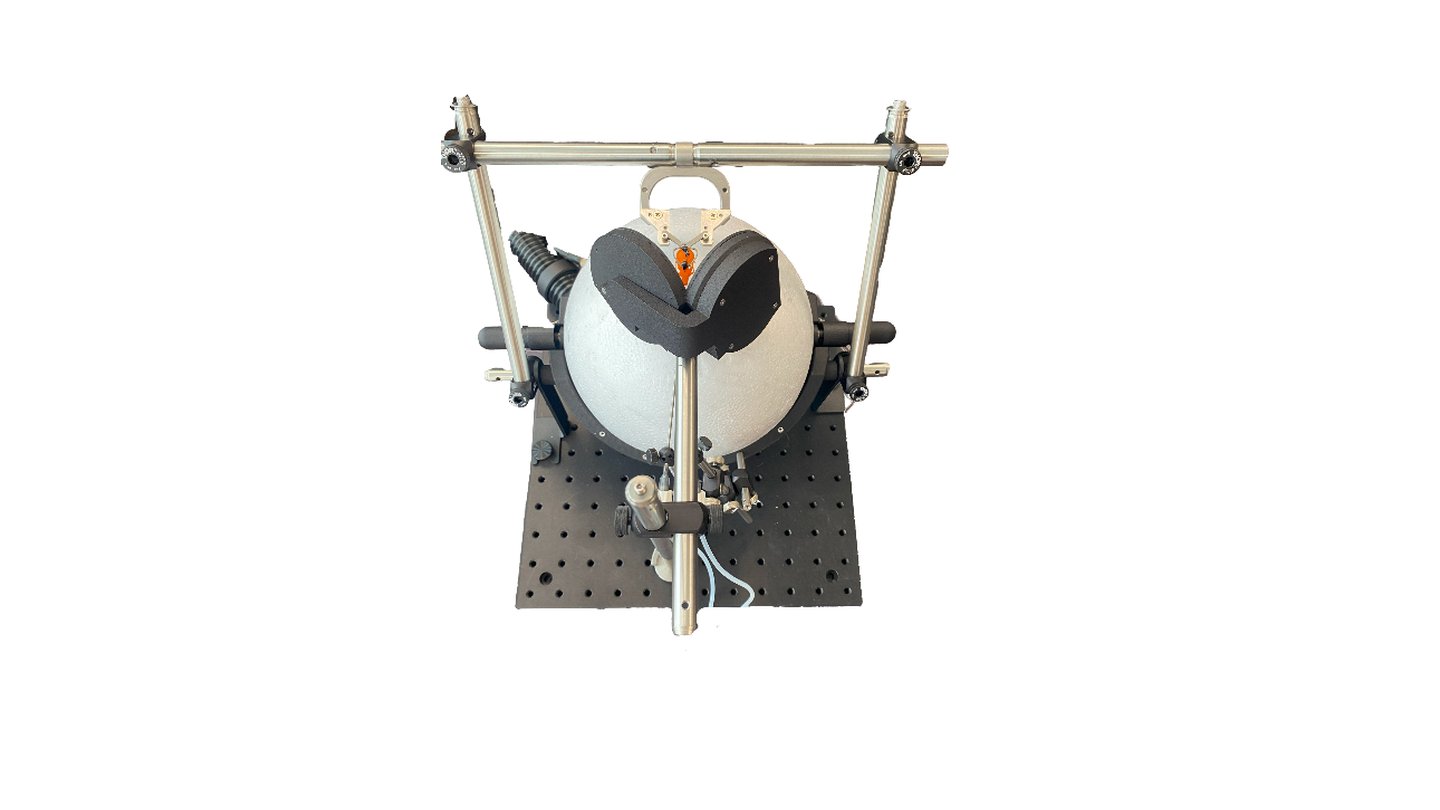 VR HeadsetStereoscopic headset with one display per eye.
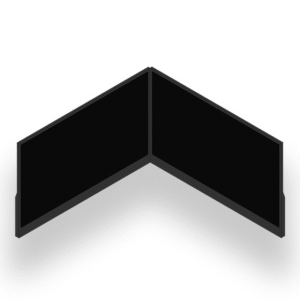
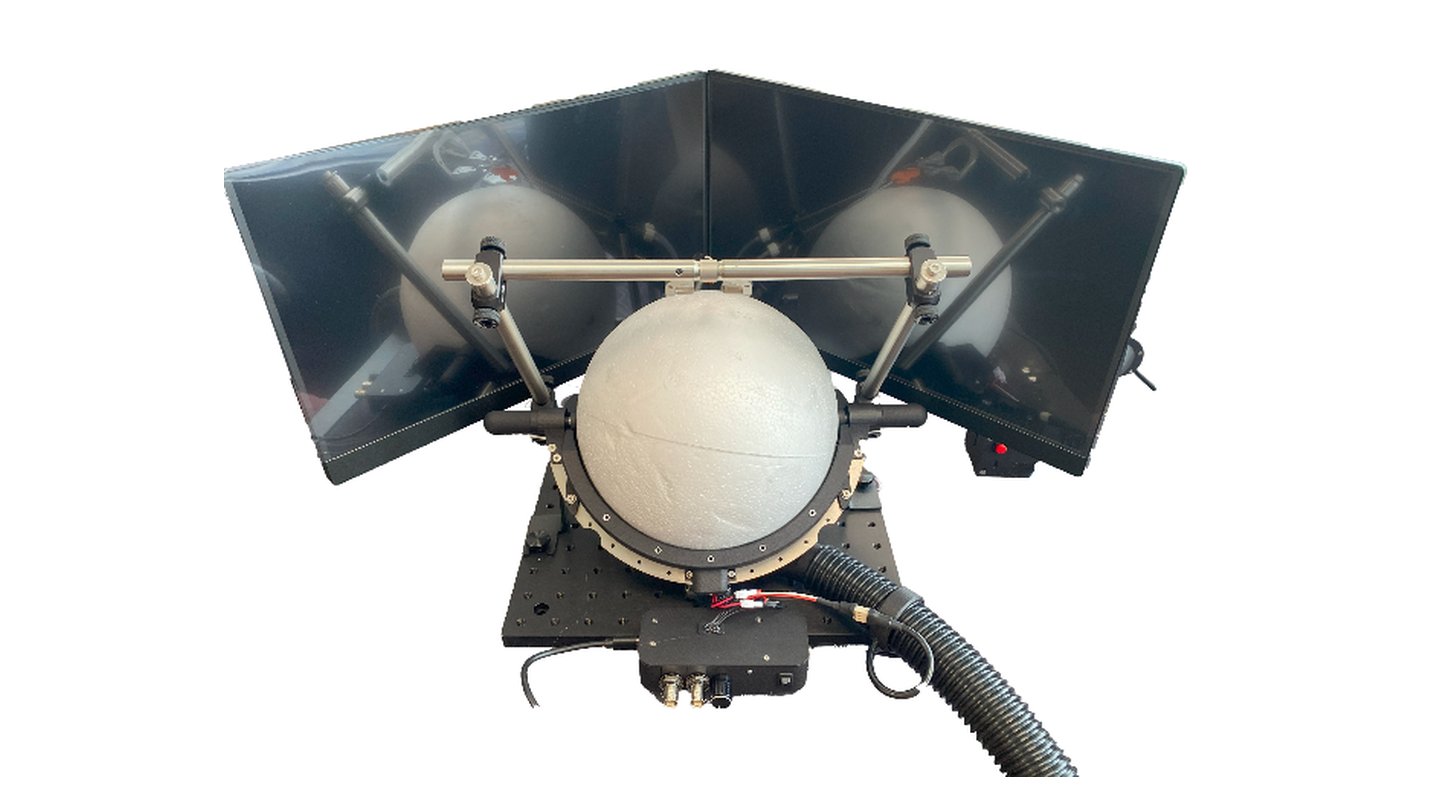 Dual DisplayTwo monitors at 90° for a wide field of view.
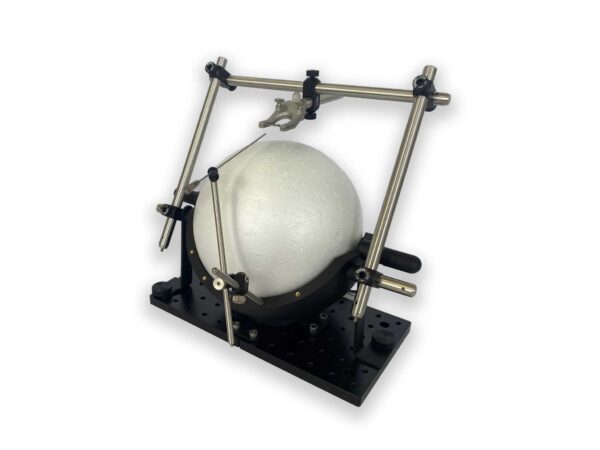 Spherical TreadmillForward running and turning, with directional brakes and TTL in/out.
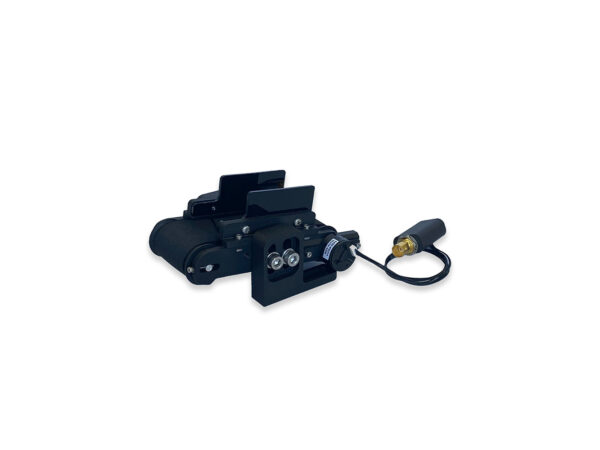 Linear TreadmillFor corridor environments without rotation.
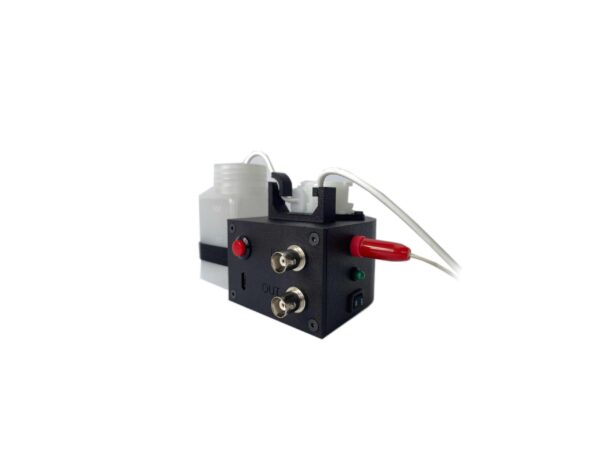 Water Dispenser + LickometerWater reward and lick detection.
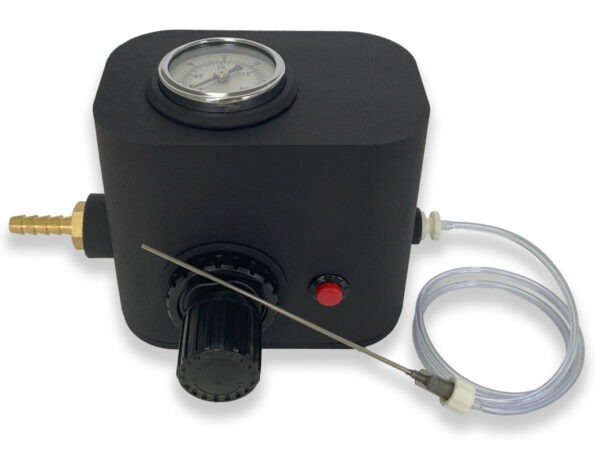 Air Puff StimulatorAir puffs as an aversive stimulus.
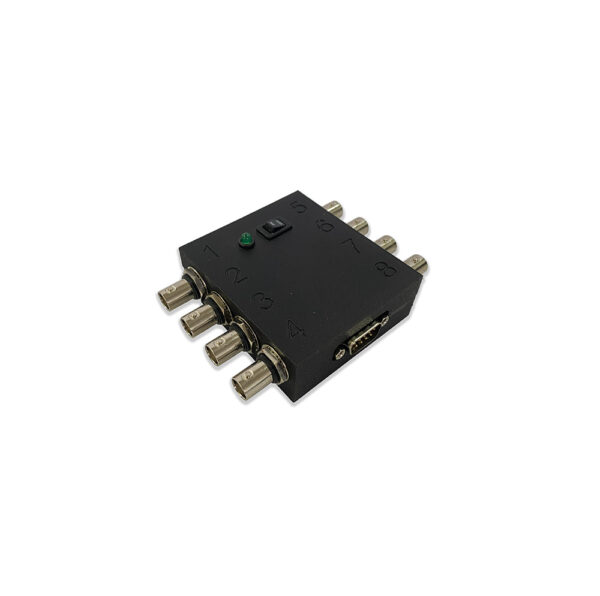 BNC ModuleTTL outputs triggered by any event.
Behavioral CameraRecording started and stopped by events.
BNC ModuleTTL outputs triggered by any event.
Behavioral CameraRecording started and stopped by events.
Imaging or electrophysiology in the loop? VRLab Suite's TTL outputs and event logs synchronize with our OiS200 imaging system and third-party equipment.
Frequently Asked Questions
Can I record behavioral video in sync with the VR experiment?
Yes. In Advanced Settings, choose the events that start and stop the LabeoTech behavioral camera recording application, which runs on the same computer. Recording then starts and stops automatically, for example at Experiment Start and Experiment End, and the connection status is shown in the software.
How do I synchronize VRLab Suite with my imaging or electrophysiology system?
Link any event to one of the 8 BNC module outputs or to the spherical treadmill's BNC output to send a TTL pulse, or flash an on-screen white patch for a photodiode. The treadmill's digital input is also logged every frame, and all logs carry millisecond timestamps for offline alignment.
Can objects in the environment move during a trial?
Yes. Enable movement on any object, choose the event that triggers it, and set the destination position and a duration of 0 to 120 seconds. When the event fires, from a trigger box or from the software, the object travels to its new position. You can preview it with the Test button.
Can I create my own virtual environments?
Yes. The Open Field and Infinite Corridor include a builder with object shapes, textures (including your own PNG images) and trigger boxes, and the Open Field adds event-triggered moving objects. For paradigms beyond that, we develop custom environments priced by complexity.
Does VRLab Suite work with a linear treadmill?
Yes, for corridor experiments without rotation, such as the Infinite Corridor, Configurable Corridor, Precipice and Predator. The Y-Maze and Open Field need turning, so they require the spherical treadmill. Only one treadmill can be connected at a time.
Can I share scenes between rigs or with collaborators?
Yes. Export a single scene or a whole scene pack to a file and import it on another computer. The import dialog checks compatibility with the experiment and compares software versions before loading. Scene descriptions travel with the scene.
Do I need a dedicated computer?
We recommend the bundled, preconfigured computer: real-time 3D rendering on several displays is demanding, and the monitor layout comes set up. You can also buy the software alone for your own computer. Contact us for the compatibility requirements.
Can I transfer my license to another computer?
Yes. Deactivate the software on your current computer, send us the deactivation code, and we will issue a new license for the new computer.
Configure a Complete VR Setup
VRLab Suite can be combined with a headset or dual display, the spherical treadmill, reinforcement devices and a behavioral camera. Use the configurator or contact us.