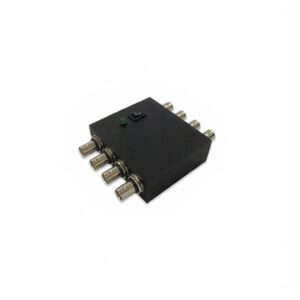
The digital input/output module of LabeoTech behavioral setups. It connects the Behavioral Task System, VRLab Suite or Maestro to your imaging, electrophysiology and stimulation equipment. Eight digital channels on BNC connectors, each usable as an input or an output, connected and powered through a single USB-C cable. Use it for TTL synchronization with imaging or electrophysiology, to trigger stimulators, or to read licks and other TTL inputs. Inputs and outputs work together for closed-loop experiments, such as delivering a reward when a lick is detected. Also available on its own: serial commands over USB let you use it from your own code.
8 Digital Channels
Each channel reads or sends TTL signals on its own BNC connector. A DB9 connector carries the same eight channels.
Synchronization and Closed Loop
Mark trial starts, rewards or stimuli in your imaging or electrophysiology recording, or start an acquisition from your task. Read an input and respond on an output for closed-loop control.
Ready in Your Software
Supported in PsychoPy, Maestro and VRLab Suite, with no programming needed.
Specifications
| Channels | 8 digital inputs/outputs |
|---|---|
| Connectors | 8 BNC, plus a DB9 connector wired in parallel |
| Output level | 0–3.3 V logic, read as TTL high by most acquisition systems |
| Input level | 3.3 V logic, tolerant up to 5 V |
| Functions | Set an output high or low, read an input, wait for an input trigger, generate a square wave |
| Connection and power | USB-C, no separate power supply |
| Software | PsychoPy, Maestro, VRLab Suite |
| Control | Serial commands over USB, from Python, MATLAB, Bonsai or any language that can open a serial port |
TTL Synchronization from Your Task Software
The same module works with the three platforms used to run LabeoTech experiments.
Maestro
Set any output from a protocol step, and use the state of the eight inputs to drive your experiment logic.
VRLab Suite
Link each output to a virtual reality event, such as trial start, reward, punishment or a trigger zone in the maze. Each event sends a pulse of about 100 ms.
PsychoPy
A LabeoTech component adds the module to the PsychoPy Builder. Choose read, write, wait for trigger or square wave, a channel (1 to 8) and a value.
Part of Your LabeoTech Setup
Connects LabeoTech stimulators, cameras and imaging systems, as well as any instrument that accepts TTL signals.

OiS200 Optical Imaging System
Start the acquisition or mark stimuli in the imaging data.
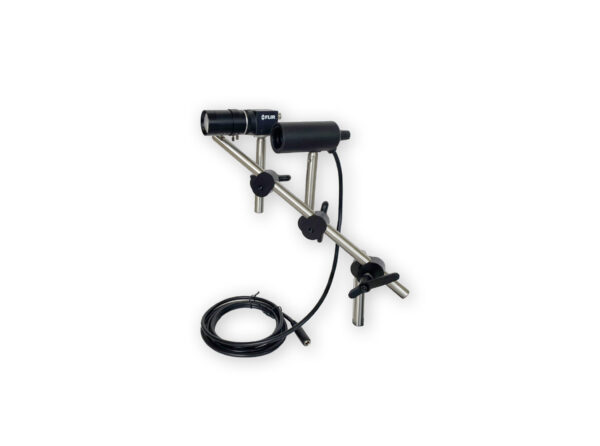
Behavioral Camera
Start and stop video recording with the task.
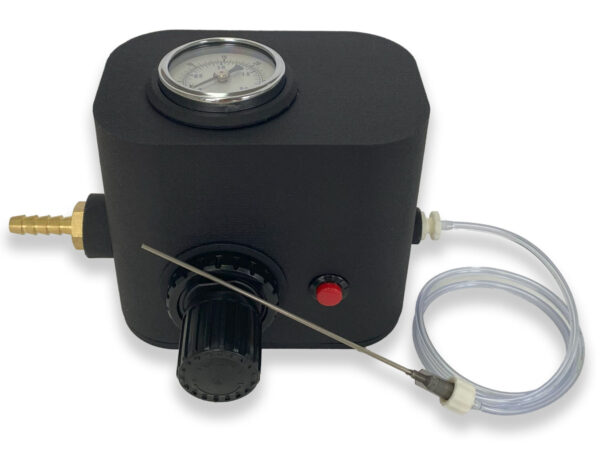
Air Puff Whisker & Olfactory Stimulator
Deliver air puffs or odors on a trigger.
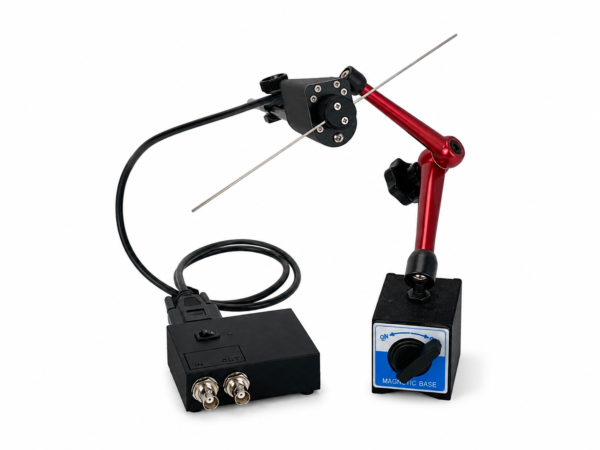
Mechanical Whisker Stimulator
Time whisker deflections with your trials.
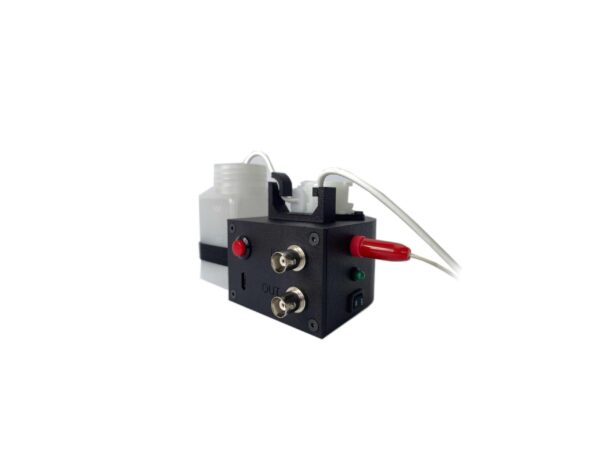
Water Dispenser with Lickometer
Deliver rewards and read licks as inputs.

Configurable Behavioral Task System
Included with the system to connect your setup.
Frequently Asked Questions
Can my acquisition system read 3.3 V outputs?
Most systems read any signal above about 2 V as TTL high, so 3.3 V outputs work with most imaging, electrophysiology and DAQ inputs. Check the input threshold of your system if it requires 5 V.
Can I connect 5 V TTL signals to the inputs?
Yes. The inputs work at 3.3 V logic and tolerate signals up to 5 V.
Which software can control it?
PsychoPy, with a LabeoTech component for the Builder, as well as Maestro and VRLab Suite. It also comes with its own software to set outputs and read inputs on their own, outside an experiment.
Do I need to buy it separately?
It comes with the Configurable Behavioral Task System, and is usually ordered as part of a LabeoTech setup with VRLab Suite, Maestro or our stimulators. It is also sold on its own: with serial commands over USB, you can use it from your own code without other LabeoTech devices.
Can I control it from my own code?
Yes. The module accepts serial commands over USB, so you can set outputs and read inputs from Python, MATLAB, Bonsai or any language that can open a serial port.