A Dual-Monitor VR Display for Head-Fixed Rodents
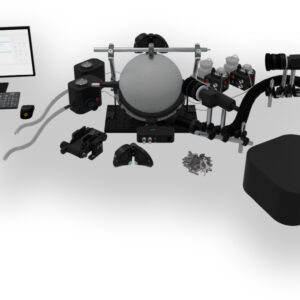
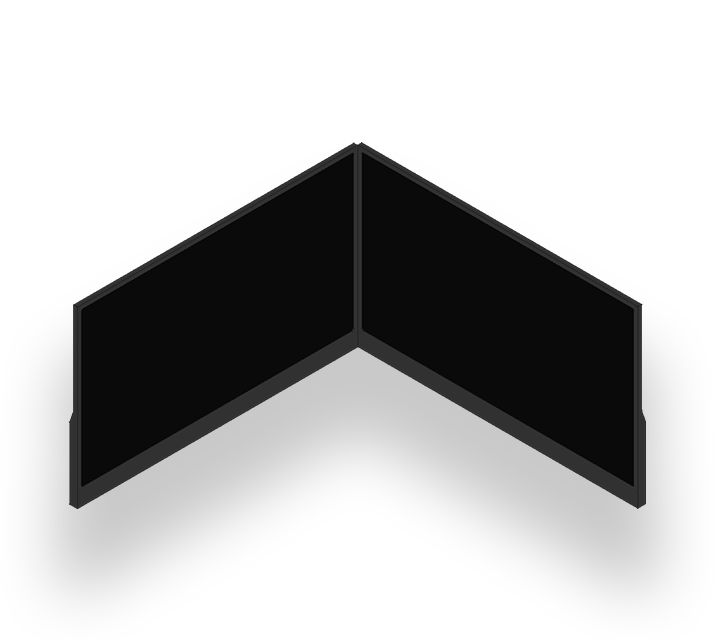
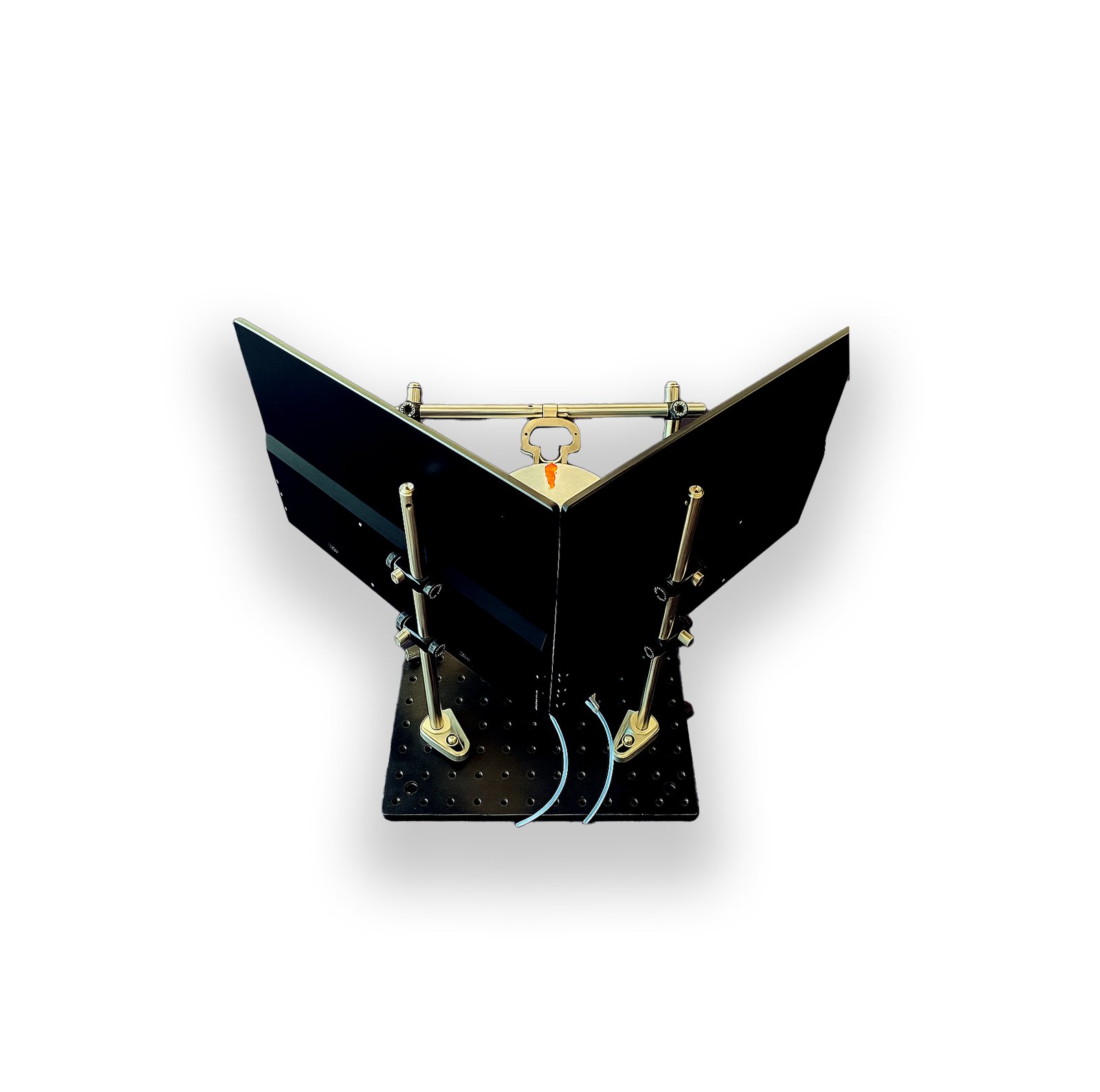
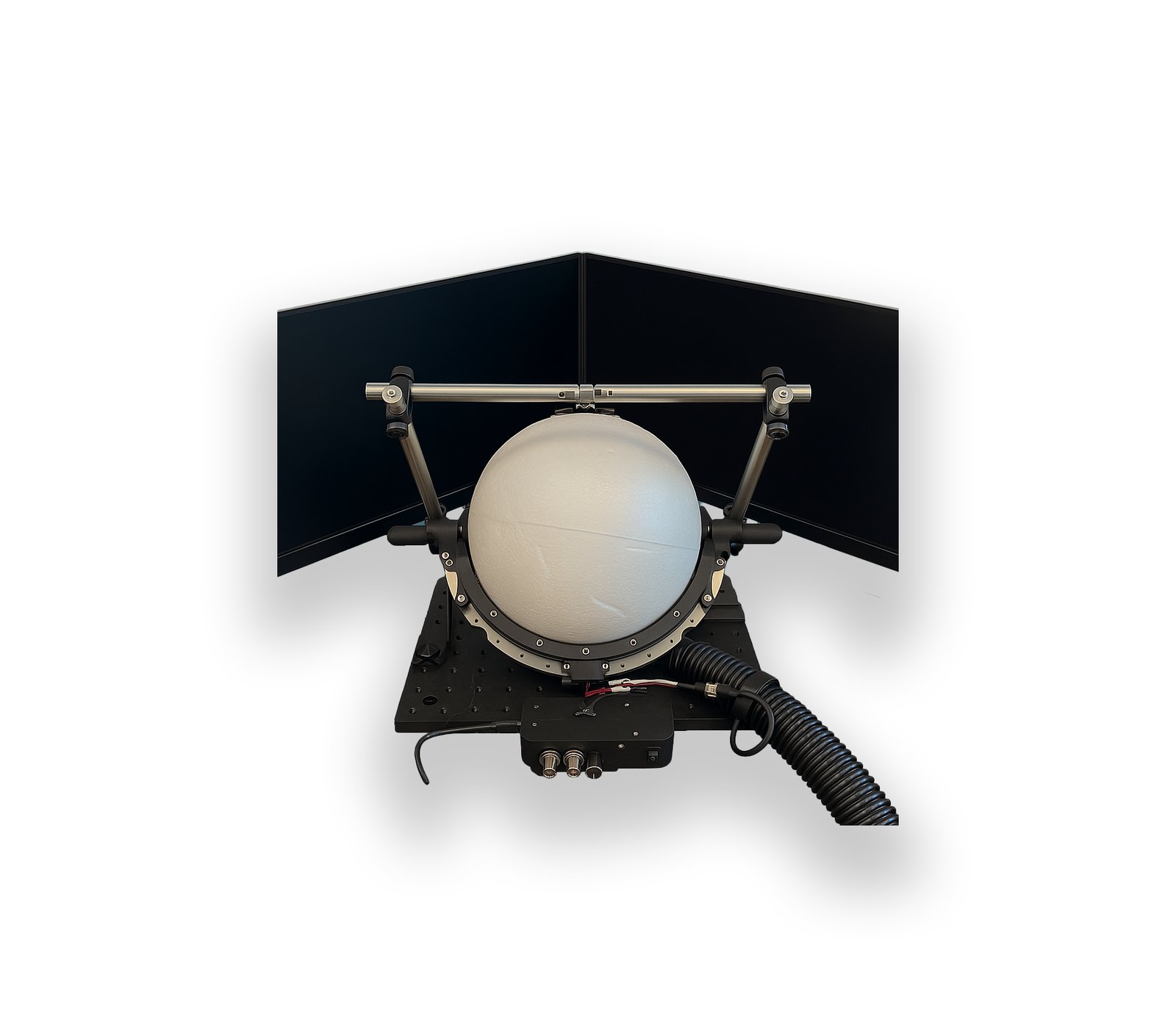
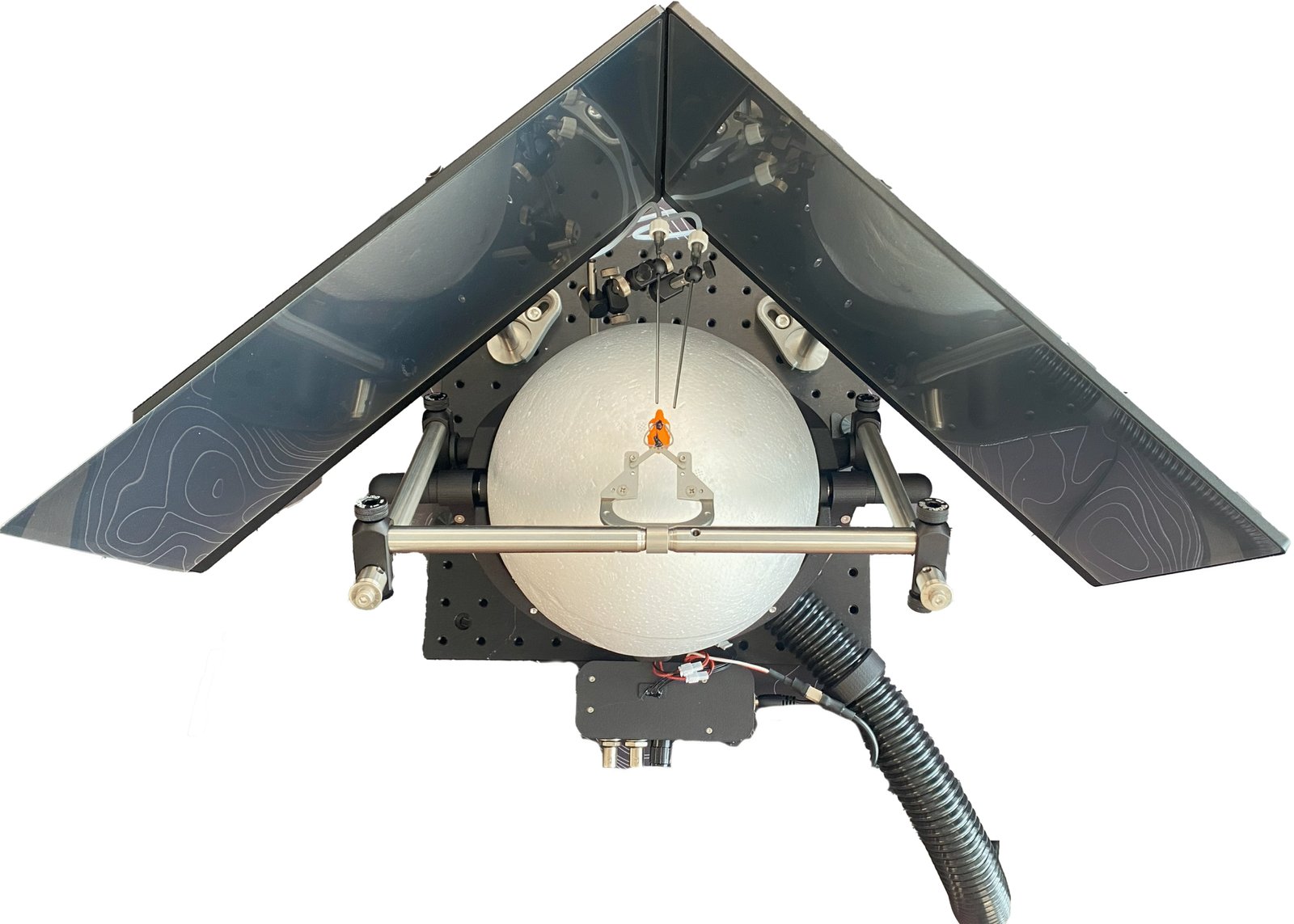
This virtual reality dual display places two 15.6″ 720p monitors around the animal, covering more than 180° of its horizontal field of view. Mount them around the spherical treadmill, then run VRLab Suite experiments or wide-field visual stimulation with Maestro or PsychoPy, with no optics close to the animal's face.
Main Features
A screen-based alternative to our VR headset, for labs that prefer external displays over a head-mounted system.
> 180° Horizontal Coverage
The two displays together fill most of the animal's horizontal field of view.
Adjustable Mounting
Each display is fully adjustable in height, position and angle.
Fits Imaging Rigs
A space-efficient layout compatible with widefield imaging, two-photon microscopy and optogenetics.
Positioning
For the best coverage, set the two displays at 90° to each other, with the center of each screen about 18 cm from the center of the animal's head. That gives more than 180° of horizontal coverage.
- Fully adjustable: set the height, XY position and angle of each display for your rig.
Headset and Dual Display Compared
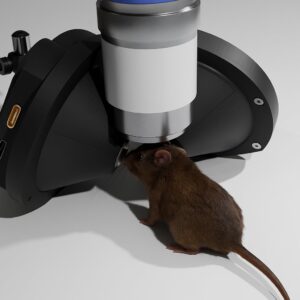
The dual display and the VR Headset run the same VRLab Suite experiments on the spherical treadmill. The choice comes down to how much of the visual field you need to control, and how close to the eyes you want the optics.
| VR Headset | VR Dual Display | |
|---|---|---|
| Displays | 2 × 480 × 480 circular displays with integrated lenses | 2 × 15.6″ monitors, 1280 × 720 each |
| Field of view | 128° × 128° per eye, 40° binocular overlap | > 180° horizontal |
| Image per eye | Independent, so stereoscopic 3D and per-eye stimulation | Both eyes see both screens |
| Distance to the animal | Lenses 2–3 mm from the eyes | Screen centers ~18 cm from the head |
| Footprint | Compact and low-profile around the head | Two monitors around the treadmill |
| Choose it for | 3D perception, per-eye stimulation and compact imaging rigs | A simpler screen-based setup with nothing close to the face |
Frequently Asked Questions
Can I adjust the position of the displays?
Yes. You can adjust the height and XY position of each display. The angle between them is also adjustable for optimal alignment.
Should I choose the dual display or the VR headset?
Choose the dual display for a simple screen-based setup with a wide horizontal view and nothing close to the animal's face. Choose the VR headset for stereoscopic 3D, independent images per eye and the most compact footprint around the head. See the comparison above.
How do I connect the displays?
Each display connects to the computer with its own HDMI cable and is powered over USB-C. If your computer has only one video output, the displays are also compatible with a USB-C hub with two HDMI outputs.
Which treadmill does it work with?
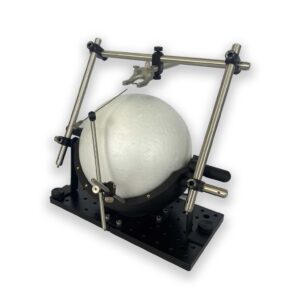
It works with our spherical treadmill, our rodent-driven treadmill and our running wheel.
Which software can I use?
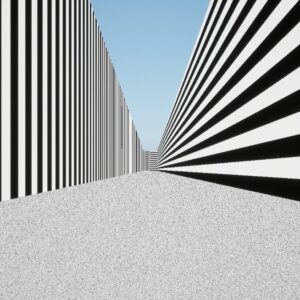
Select the two-monitor setup in VRLab Suite to run its VR experiments. Because the displays are standard monitors, you can also use them with Maestro or PsychoPy (sample experiments are provided for both), or other visual stimulation software.
Configure a Complete VR Setup
The display can be combined with the spherical treadmill, reinforcement devices, a behavioral camera and VRLab Suite. Use the configurator or see the VR solutions page.