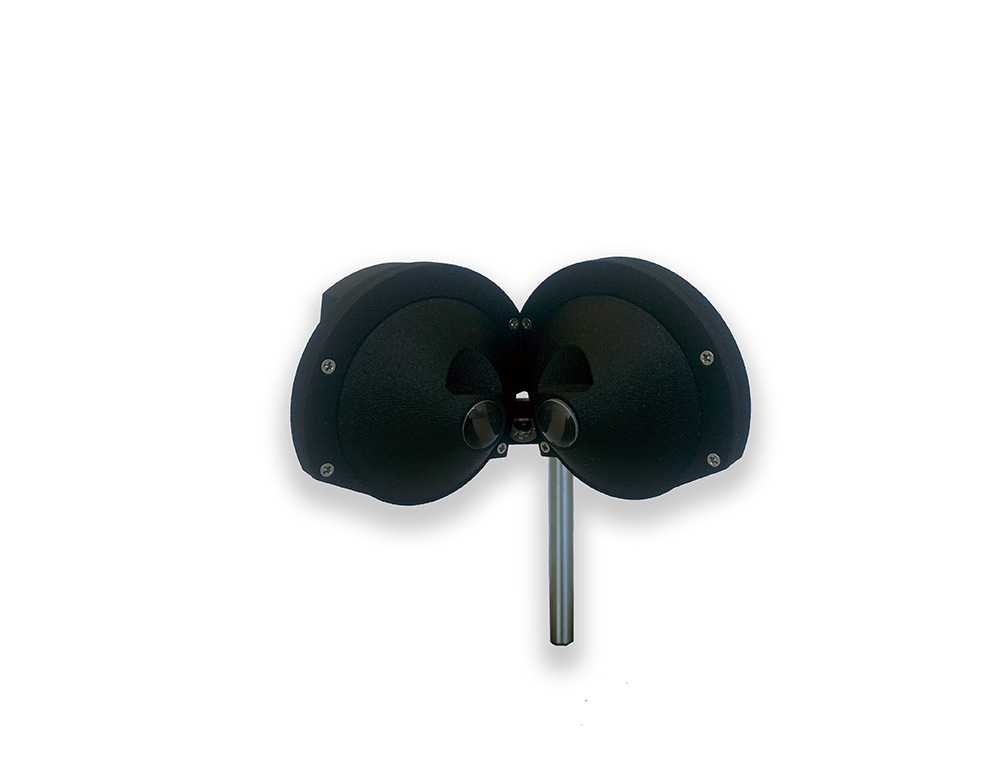
A Stereoscopic VR Headset for Head-Fixed Mice
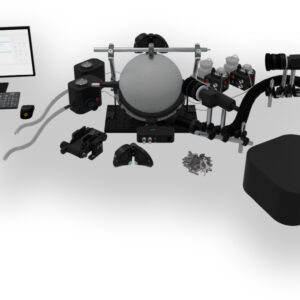
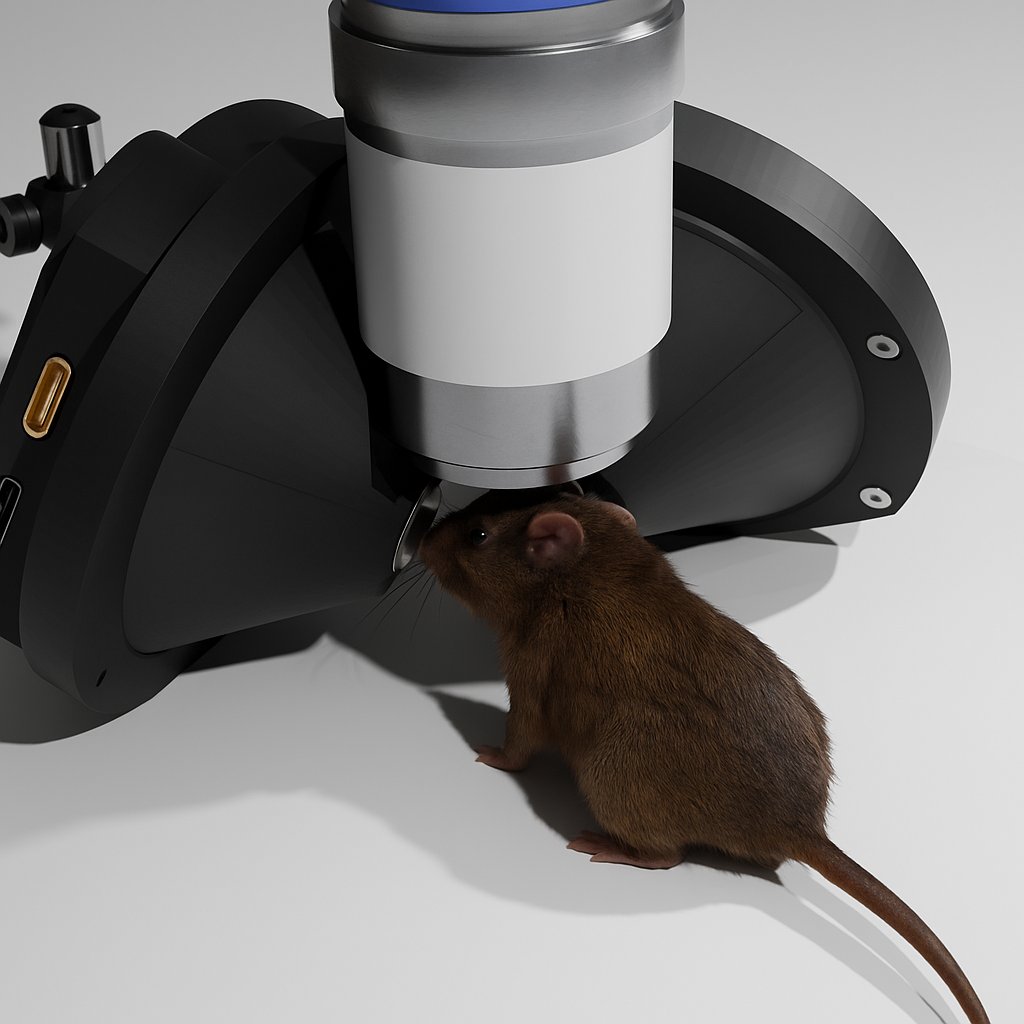
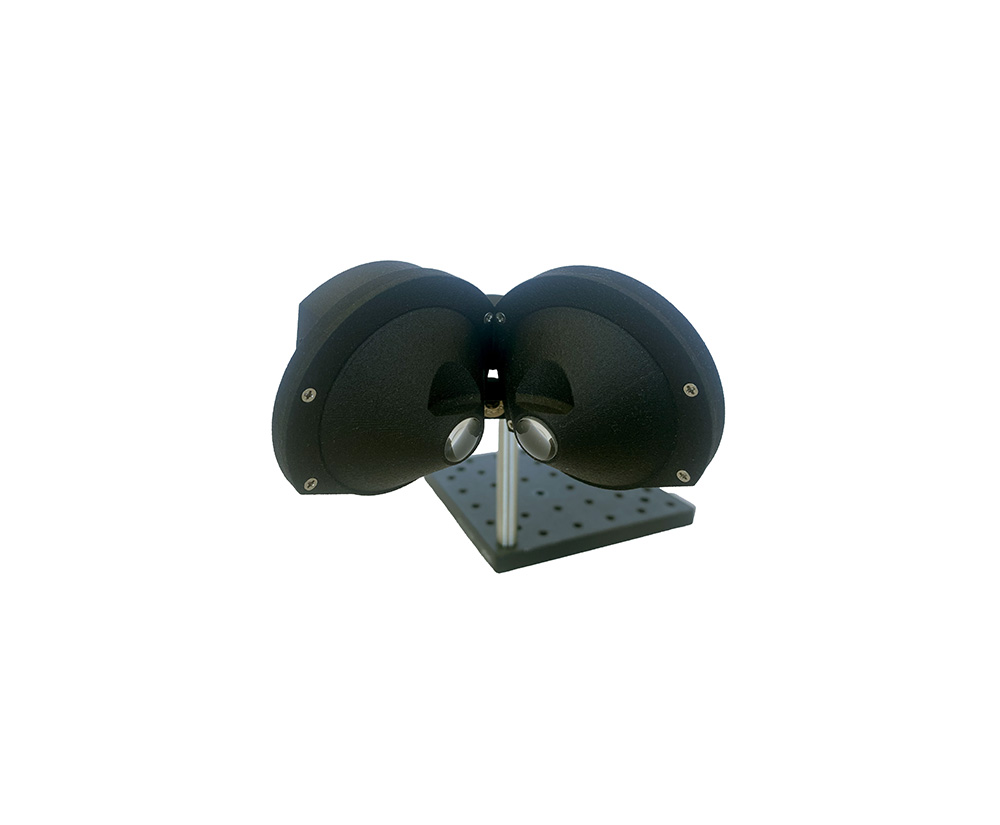
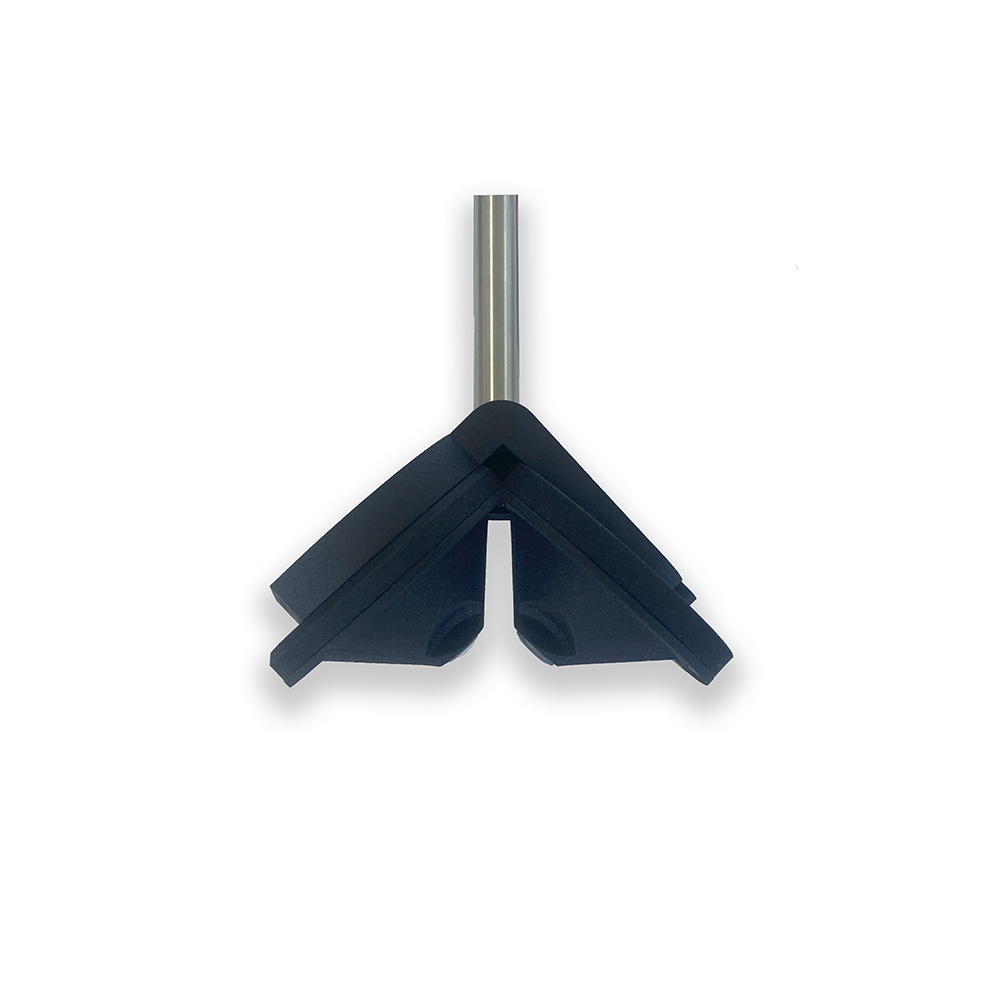
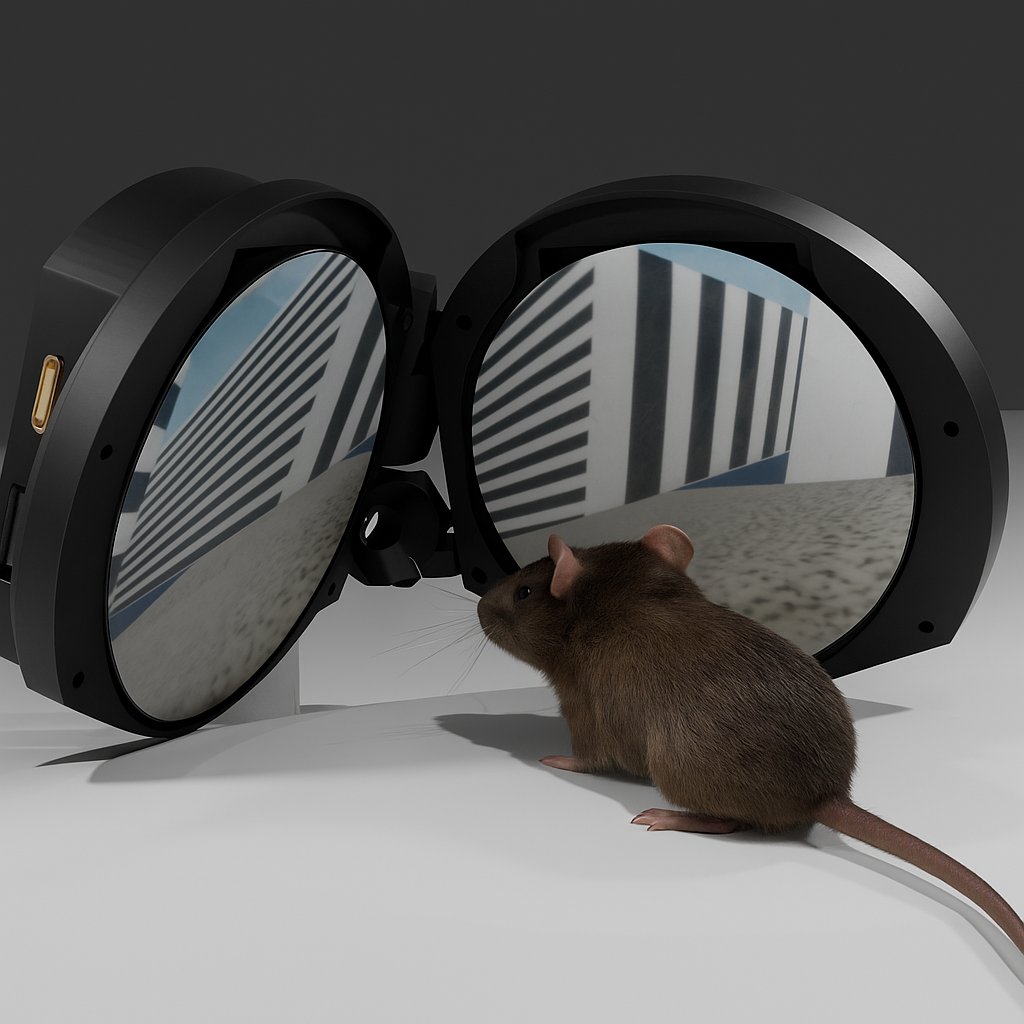
This virtual reality headset for mice has two 480 × 480 circular displays with integrated lenses that give each eye its own image over 128° × 128°, with 40° of binocular overlap for 3D perception. The low-profile design leaves room for widefield and two-photon objectives above the head.
Main Features
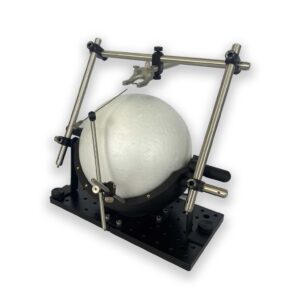
Designed for head-fixed mice on our spherical treadmill, and compact enough to share the space around the head with your imaging and stimulation hardware.
Stereoscopic 3D
One display per eye, so the virtual world is rendered from two viewpoints for depth perception.
Independent Image per Eye
Show different content to each eye, or stimulate only one, for monocular tasks and per-eye retinotopy.
Imaging-Ready
A low-profile design compatible with widefield imaging, two-photon microscopy and optogenetics.
Compatible Software
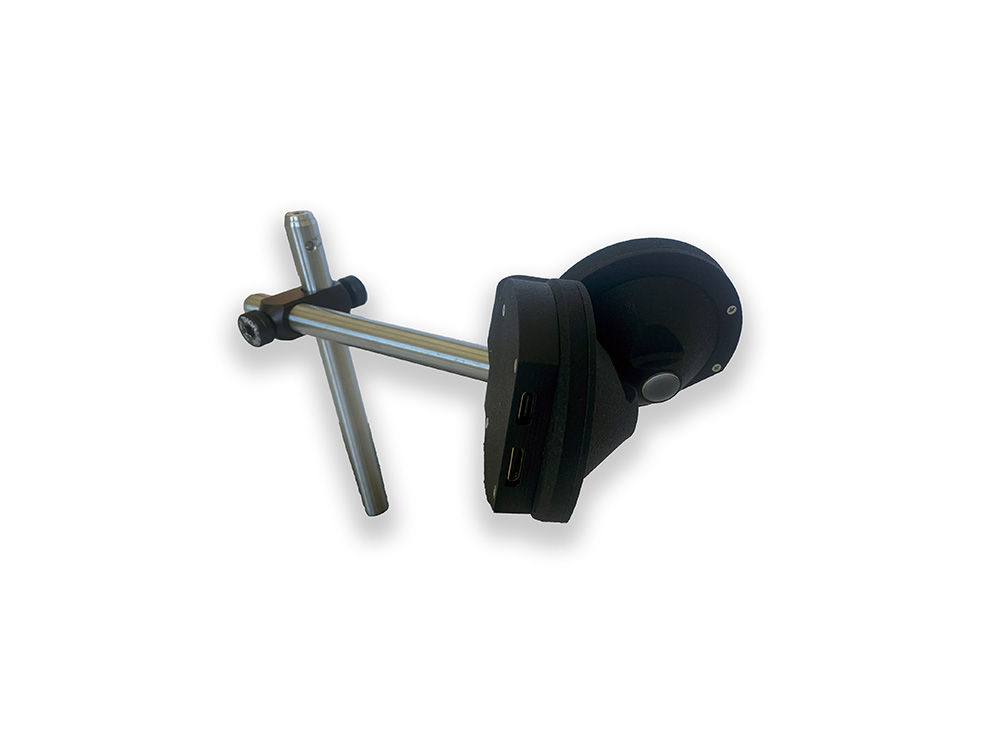
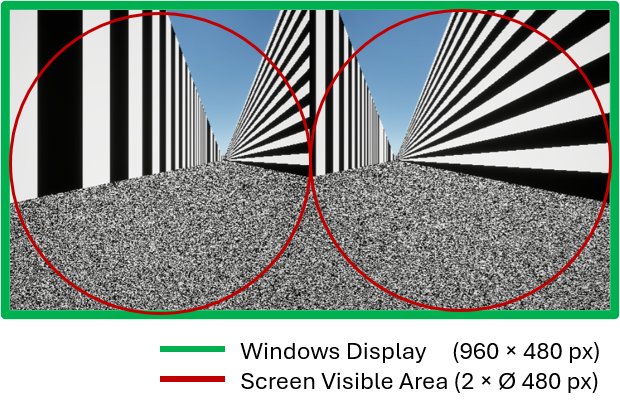
The headset connects over HDMI and behaves like a standard monitor, so it works with LabeoTech's software and with common stimulation and 3D environment software.
VRLab Suite
Preconfigured: select the VR headset when the software starts. Its ready-to-run experiments use stereoscopic rendering, and the Retinotopy experiment can stimulate both eyes, the left or the right.
Explore VRLab Suite →Maestro and PsychoPy
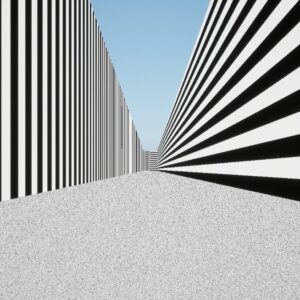
Use the headset as a standard monitor with Maestro or PsychoPy. Sample experiments are provided for both, for example drifting gratings presented to the left and right eyes in alternation.
Unity, Unreal Engine, Godot
Build your own VR with any engine that can render to a monitor, using the published field-of-view specifications to match the display geometry.
Binocular retinotopy and 3D perception are built into VRLab Suite. The Maestro and PsychoPy sample experiments cover monocular retinotopy and 2D stimulation.
Headset and Dual Display Compared
The headset and the VR Dual Display run the same VRLab Suite experiments on the spherical treadmill. The choice comes down to how much of the visual field you need to control, and how close to the eyes you want the optics.
| VR Headset | VR Dual Display | |
|---|---|---|
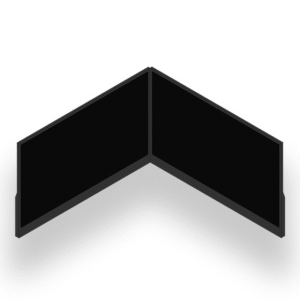
| Displays | 2 × 480 × 480 circular displays with integrated lenses | 2 × 15.6″ monitors, 1280 × 720 each |
| Field of view | 128° × 128° per eye, 40° binocular overlap | > 180° horizontal |
| Image per eye | Independent, so stereoscopic 3D and per-eye stimulation | Both eyes see both screens |
| Distance to the animal | Lenses 2–3 mm from the eyes | Screen centers ~18 cm from the head |
| Footprint | Compact and low-profile around the head | Two monitors around the treadmill |
| Choose it for | 3D perception, per-eye stimulation and compact imaging rigs | A simpler screen-based setup with nothing close to the face |
Frequently Asked Questions
Can I adjust the position of the headset after setup?
Yes. The headset is fully adjustable, so you can re-center it and change its distance and height at any time. We recommend habituating the mouse by bringing the headset toward its eyes slowly.
Is it compatible with my imaging system?
The headset is compact and low-profile, so it works alongside widefield imaging, two-photon microscopy and optogenetics, leaving the space above the head free for the objective.
Can I stimulate one eye at a time?
Yes. Each eye has its own display, so you can show different content to each eye or present a stimulus to one eye only. In VRLab Suite, the Retinotopy experiment lets you choose both eyes, the left eye or the right eye.
Which software can I use?
The headset is preconfigured for VRLab Suite. Because Windows sees it as a standard monitor, you can also use Maestro or PsychoPy (sample experiments are provided for both), or build your own environment in Unity, Unreal Engine or Godot.
Which treadmill does it work with?
It works with our spherical treadmill, our rodent-driven treadmill and our running wheel.
What species is this headset suitable for?
This model is optimized for mice.
Configure a Complete VR Setup
The display can be combined with the spherical treadmill, reinforcement devices, a behavioral camera and VRLab Suite. Use the configurator or see the VR solutions page.